Configure — Agent Personality & Behavior
Written By Anand Raj
Last updated 4 months ago
The Configure module is where you define your AI agent's personality and behavior — how it sounds, what it knows, and where it can be reached.
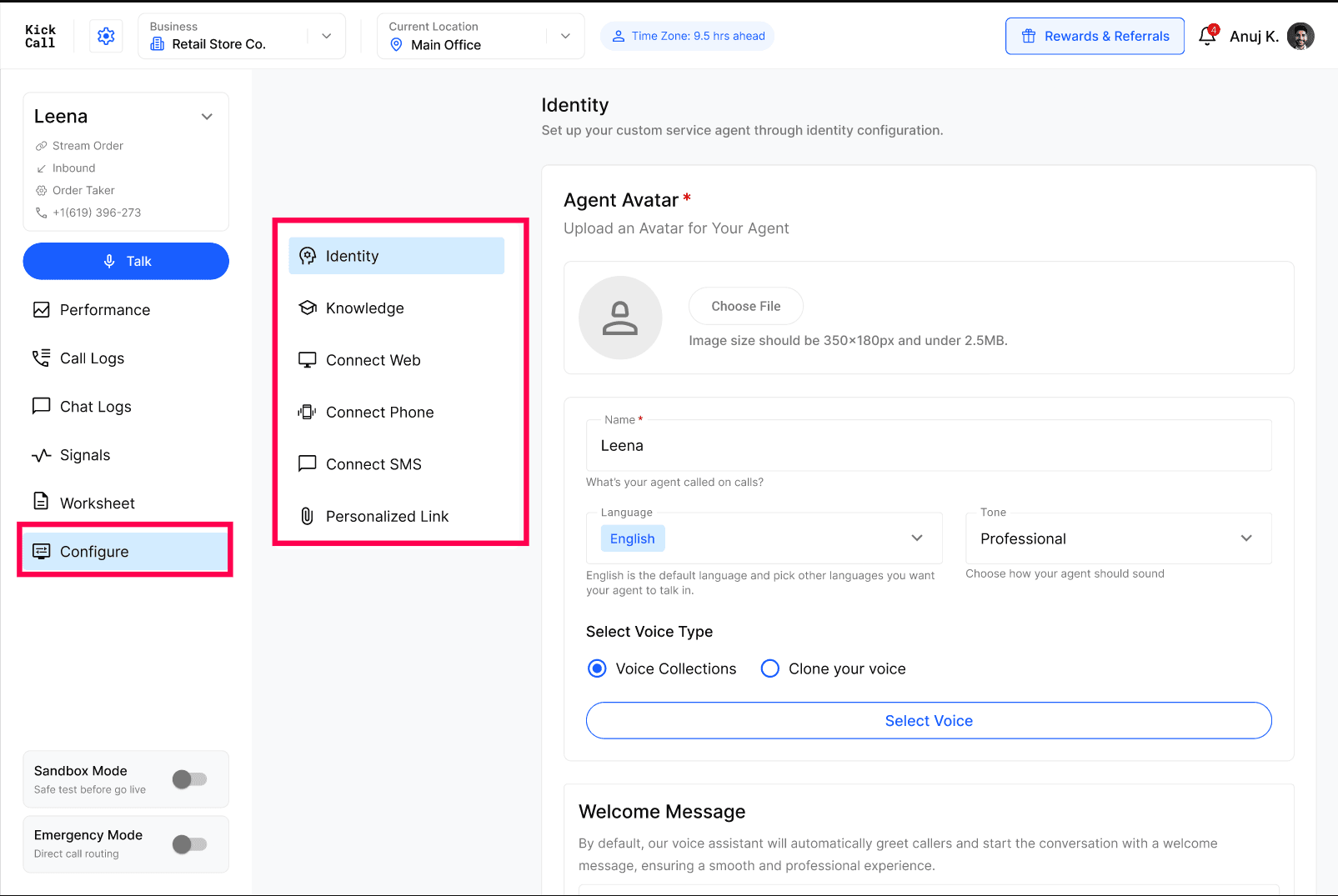
From here you set up the agent's identity, plug in your knowledge, and connect the channels it should answer on (phone, SMS, web, personalized links).
What you configure here
Identity & Conversation Flow — agent name, avatar, language, tone, voice and welcome message. This shapes the agent's personality on every call.
Knowledge — the source of truth the agent uses to answer caller questions.
Connect Phone — attach phone numbers so the agent can take inbound calls.
Connect SMS — enable text conversations on those numbers.
Connect Web — embed the agent on your website as a chat or voice widget.
Personalized Link — a shareable link to your agent for campaigns, email signatures or QR codes.
Tip: Start with Identity, then add Knowledge, then turn on the channels you want the agent to answer on.
Was this helpful?
Still need help? Ask the team