How do I buy a Voice-Ready integration and get launch support in Kickcall?
Review Kickcall integration tools, the agency activation fee, included launch support, and recurring connection charges before buying an integration
Written By Maruf Ansari
Last updated 9 days ago
Need to unlock a new Voice-Ready integration for your Businesses? The Marketplace is where Agencies browse every integration Kickcall offers and buy access with a single one-time purchase. Once unlocked, you can resell that integration to as many Businesses as you want, with hands-on launch support included.
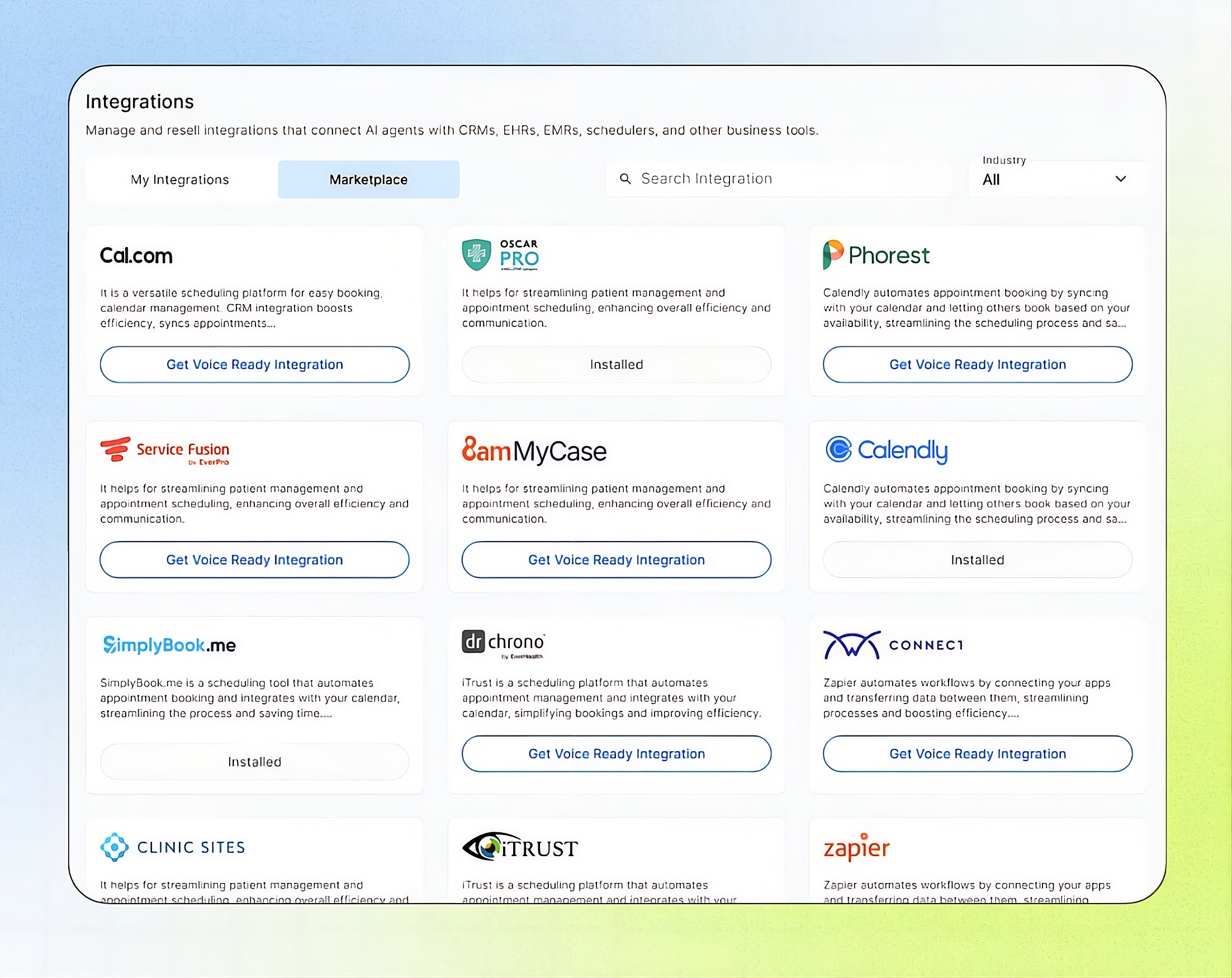
Marketplace Overview
Marketplace allows Agency administrators to explore, evaluate, and purchase integrations from the Marketplace. Each integration requires a one-time Agency-level purchase that unlocks it for all Businesses under the Agency, adds it to My Integrations, and includes Kickcall's support for setting up the first Business. Once purchased, the integration can be assigned to Businesses as needed. Ongoing wholesale charges apply per connection, per location, each month, only when a Business is connected. No additional charges apply while the integration remains unused.
Important notes
The purchase is per Agency, not per Business — buying once unlocks the integration for unlimited Businesses.
The one-time activation fee is non-refundable.
Custom workflow requests are subject to the third-party integration's API capabilities — not every request can be fulfilled.
If you have zero active connections to a purchased integration, you incur no ongoing wholesale charges.
Before you start
Access to the Agency Portal's Integration Marketplace tab.
Confirmation that your Agency has a payment method on file to complete the one-time charge.
A sense of which Business you'll launch first, since the included support focuses on that first launch.
Buy a Voice-Ready Integration
Switch to the Marketplace tab and use Search or the Industry filter to find the integration you need. Cards already unlocked show Installed; others show Get Voice Ready Integration.
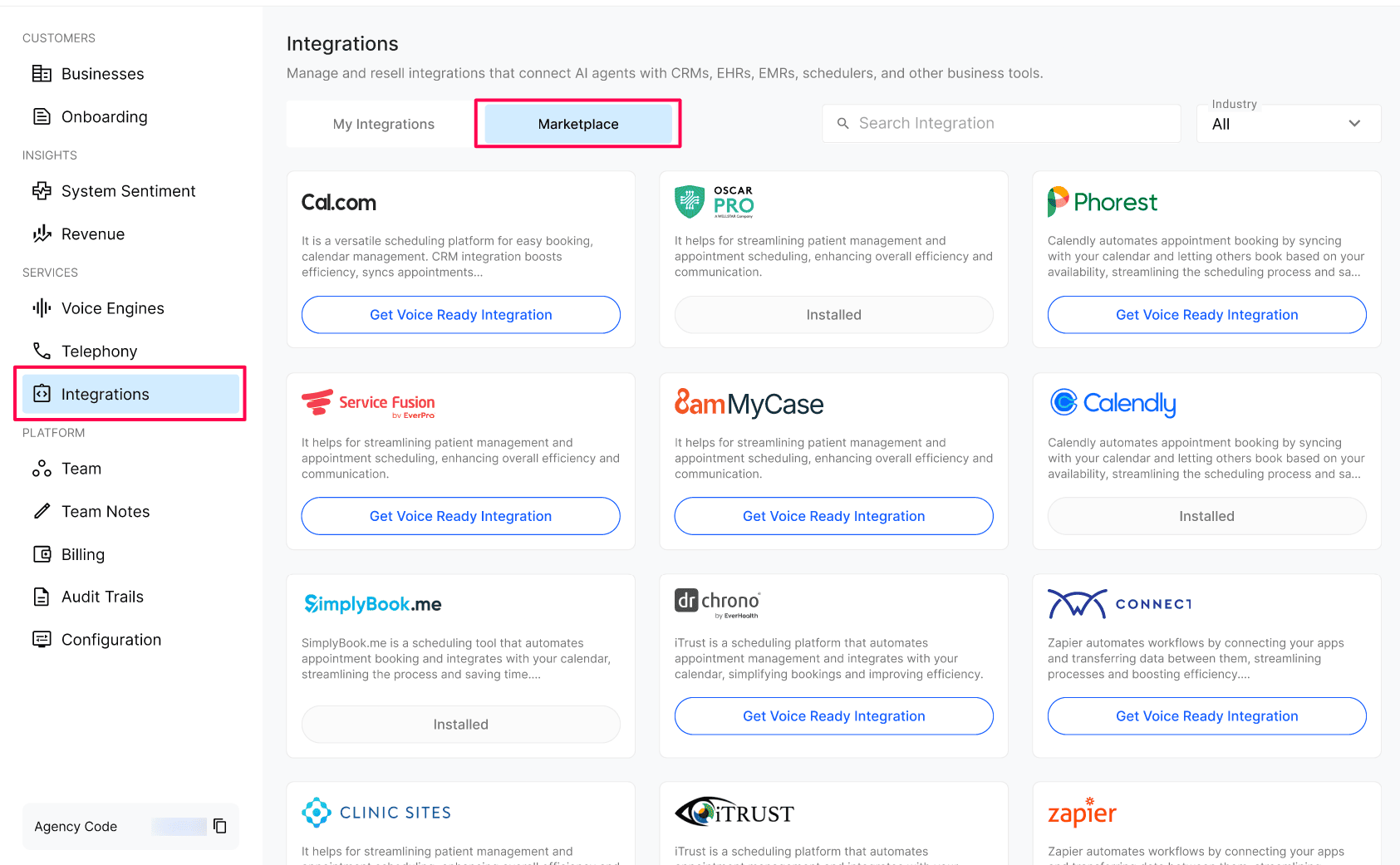
Select Get Voice Ready Integration on the card to open the purchase panel.
Review the Available Tools listed at the top of the panel — the actions a connected Business's voice agent will be able to perform, such as Get_appointment_types, Create_appointment, Update_appointment, Cancel_appointment, and Get_appointments.
Review what's included in the one-time fee: First Customer Success Support, Default Agent Templates, a Custom Agent for Your First Use Case, and Custom Workflows on Request.
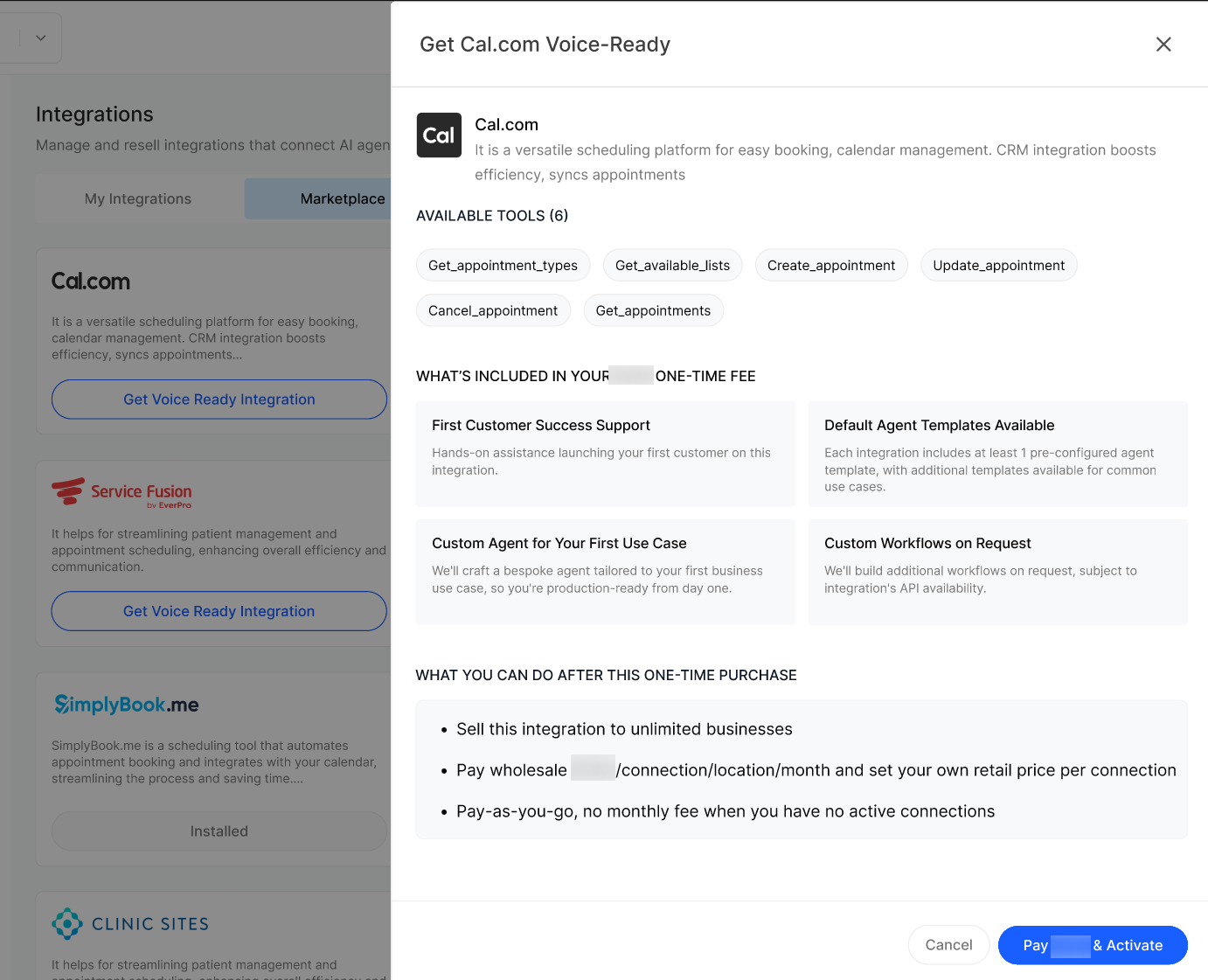
Select Pay [amount] & Activate to charge the one-time fee and unlock the integration.
Expected result
After the purchase completes, the integration appears in your My Integrations list, and its Marketplace card changes from Get Voice Ready Integration to Installed.
Verify the result
Open My Integrations and confirm the new integration is listed.
Return to the Marketplace and confirm the card now shows Installed.
Open Read & Configure from My Integrations to set your Resell Price and confirm you can begin assigning the integration to a Business.
Troubleshooting
Recovery or rollback
The one-time activation fee is non-refundable, so review the purchase panel carefully before confirming. You can stop using an integration at any time by not connecting any Business to it — this avoids further wholesale charges, but does not refund the original purchase.
Frequently Asked Questions
Is the one-time fee per Business or per Agency?
Is the one-time fee per Business or per Agency?
Per Agency. You pay once and unlock the integration for your entire Agency. After that you can connect it to as many Businesses as you want without buying it again.
What do I keep paying after the one-time fee?
What do I keep paying after the one-time fee?
Only the wholesale per-connection / per-location / per-month charge when a Business is actively connected. If no Business is connected, you don't pay anything ongoing for that integration.
What does "First Customer Success Support" actually cover?
What does "First Customer Success Support" actually cover?
The Kickcall team works directly with you to launch your first Business on this integration — credentials, agent configuration, workflow, and going live. It's meant to get you over the initial learning curve so you can repeat the process on your own for additional Businesses.
Are the Default Agent Templates editable?
Are the Default Agent Templates editable?
Yes. Templates are a starting point preconfigured with the integration's Sandbox API and the most common flows. Once a Business is using the template, you (or the Business) can customize the prompt, worksheet, and tool calls in Agent Builder.
Can I request a workflow that isn't in the templates?
Can I request a workflow that isn't in the templates?
Yes — that's what Custom Workflows on Request is for. Reach out to the Kickcall support team with what you need. The only constraint is whether the third-party integration's API actually exposes the capability.
Can I refund or remove an integration after buying it?
Can I refund or remove an integration after buying it?
The one-time activation fee is non-refundable. You can stop using the integration at any time (just don't connect Businesses to it) and you won't accrue any further wholesale charges.
Related articles
Was this helpful?
Still need help? Ask the team