SIP Trunking Guide
Written By Maruf Ansari
Last updated About 2 months ago
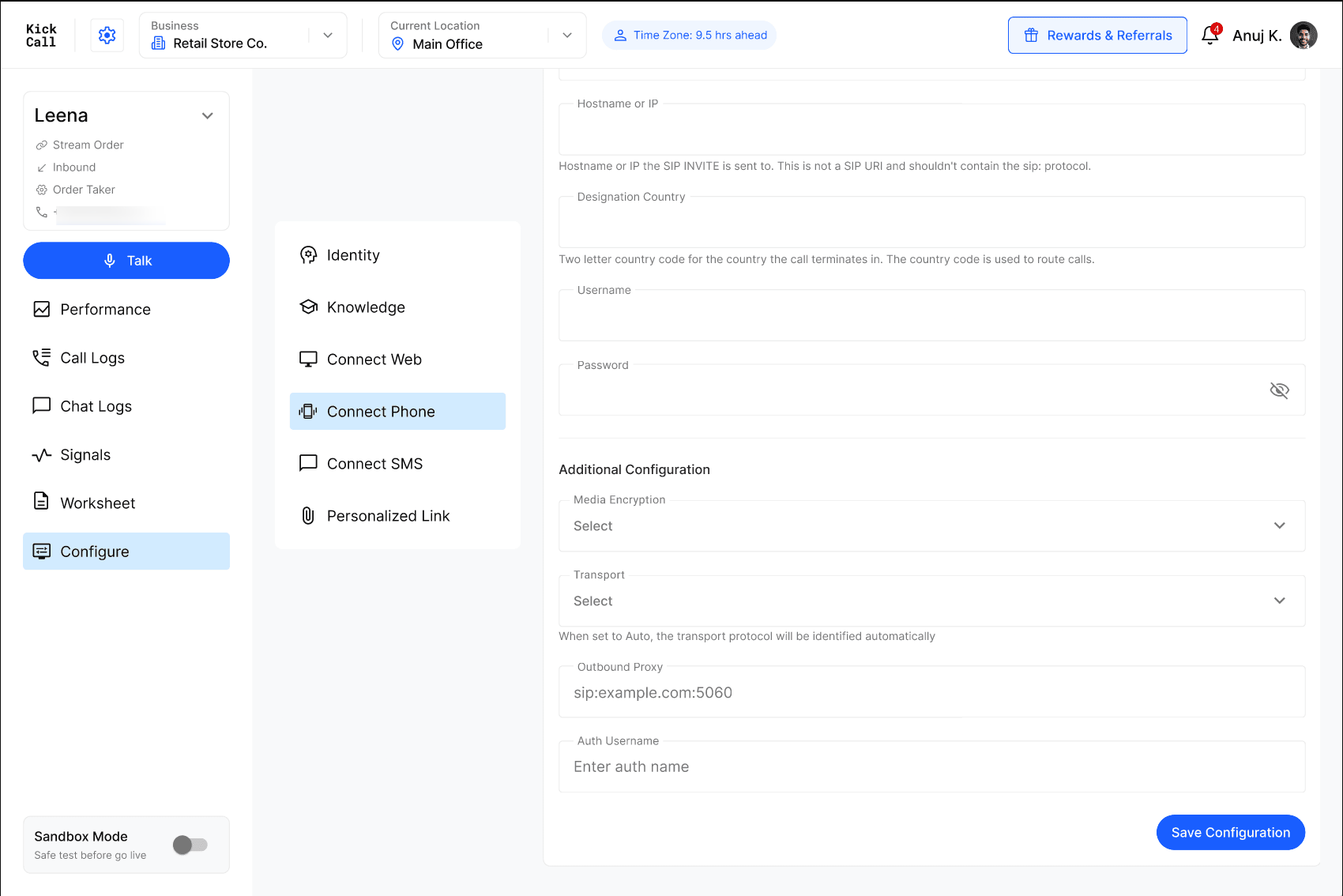
SIP Trunking creates a direct signaling path between your phone system and your agent, with no login session to keep alive. It's configured in two independent halves: Inbound, for calls arriving at your agent, and Outbound, for calls your agent places out through your phone system.
Part of SIP Connectivity. SIP Trunking is one of two ways to set up SIP Connectivity. If you haven't decided between SIP Trunking and SIP Registration yet, see the SIP Connectivity Overview for a full comparison — in most cases, SIP Trunking is the recommended method.
How this compares to SIP Registration
Inbound Configuration (Origination)
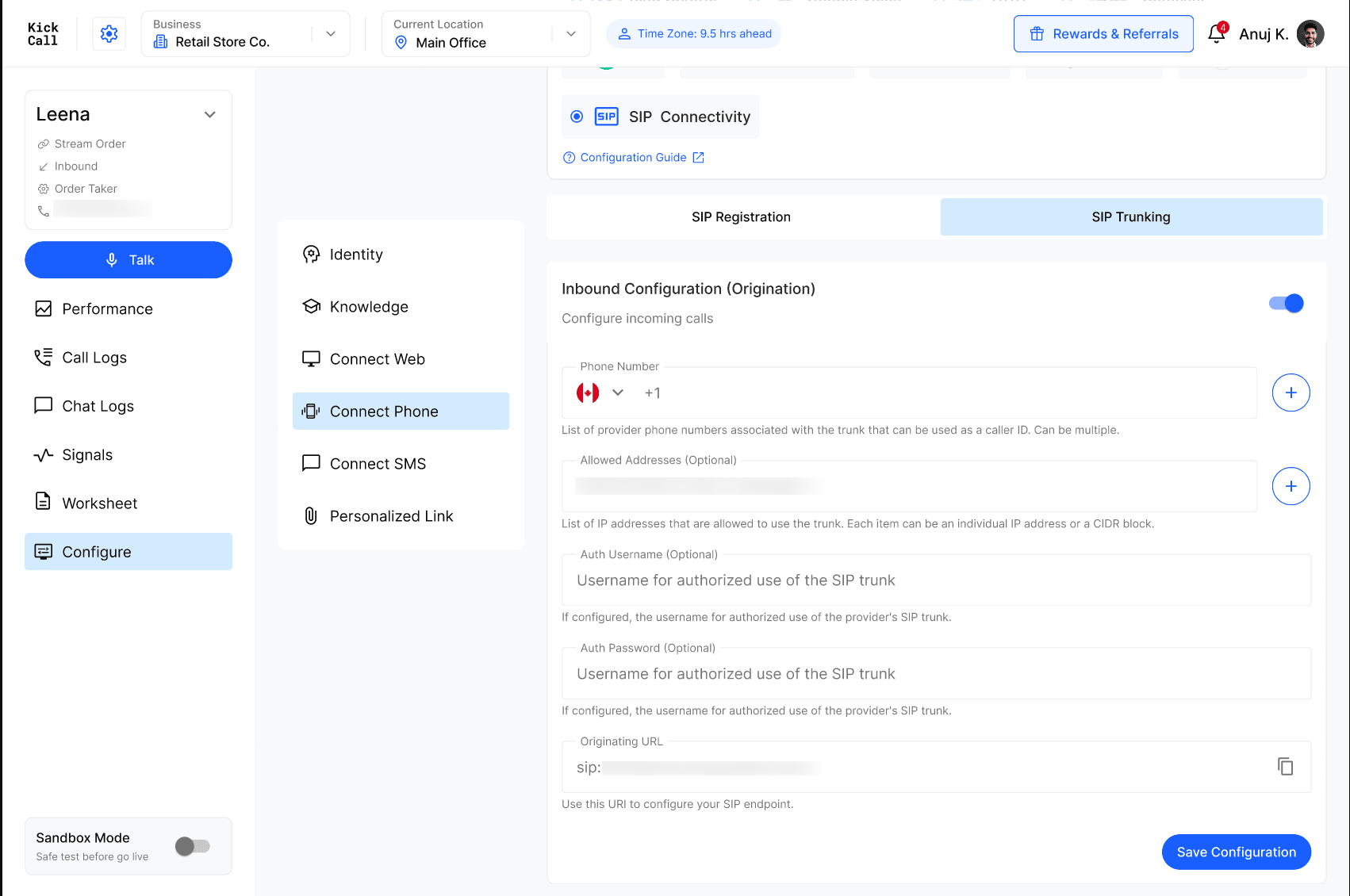
This is where you tell the system which calls belong to your agent, and how to trust the traffic arriving from your phone system. There are two ways to authenticate inbound calls — you can use either or both:
IP-based authentication — add your phone system's known SIP signaling IP addresses (or CIDR ranges) to Allowed Addresses. This is the simplest and most widely used method when your provider can give you static IPs — it's the approach most SIP trunking providers and PBXs recommend by default.
Credential-based authentication — if your phone system can't offer static IPs (for example, it sits behind a dynamic or shared IP), set an Auth Username and Auth Password instead. Your phone system will send these credentials with each call so the connection can still be trusted without relying on IP address.
Once inbound is configured, the system generates an Originating URL — a SIP address you give to your phone system as the destination for calls headed to your agent.
Inbound fields
Outbound Configuration (Termination)
This half handles the other direction: calls your agent places out through your phone system, for example to reach a customer's number. You point your agent at your phone system's SIP address, and optionally supply credentials if your system requires them to accept calls from you.
Whitelist Kickcall's signaling IPs. Before creating your outbound trunk, add our signaling IP ranges to your phone system's or carrier's allow-list so it accepts SIP traffic from your agent. Please refer to the IP Whitelisting guide for the current list of ranges. Outbound calls may fail to connect until all listed ranges are whitelisted on your side.
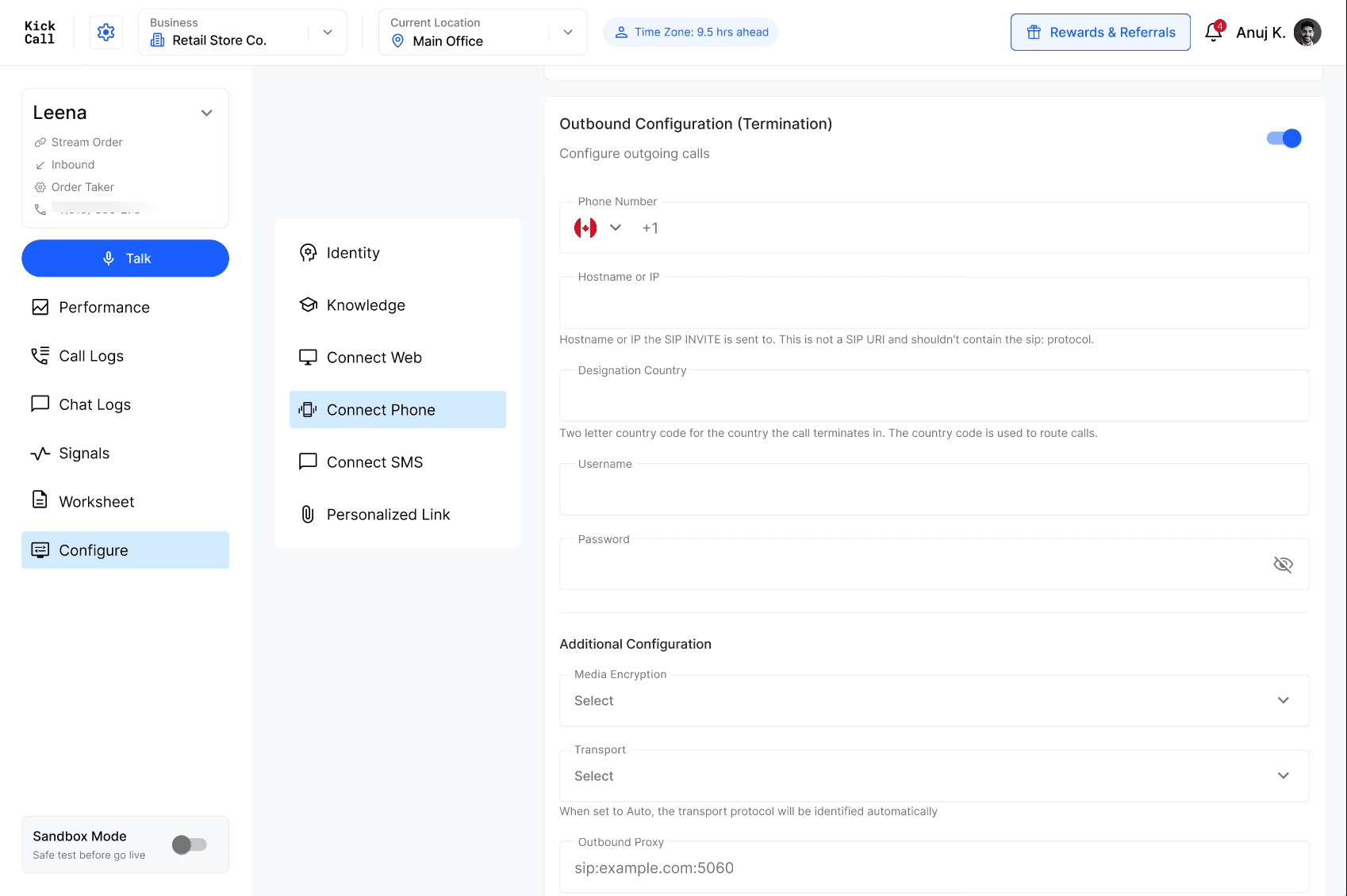
Additional Configuration (optional)
These extra settings are collapsed by default and only need attention if your phone system has specific routing or security requirements. In most cases, the defaults work without any changes.