Create Business Packages
Written By Anand Raj
Last updated 17 days ago
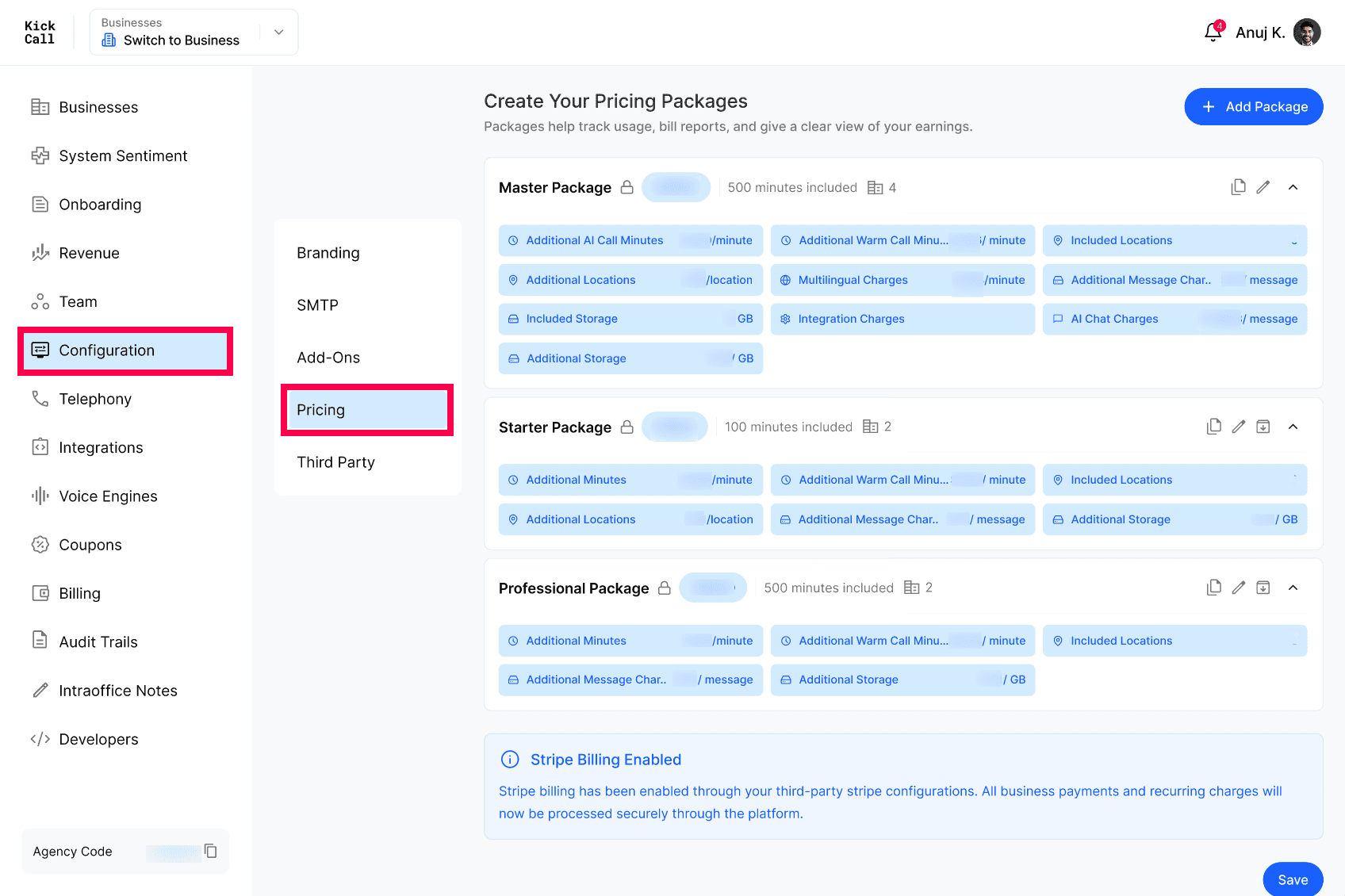
Business Packages are the pricing plans the Agency sells to its businesses. Each package defines what is included (minutes, locations, storage, AI chat, integrations) and how overage is charged.
Why packages matter
Packages help track usage, generate bills, and give the Agency a clear view of earnings. The package assigned to a business determines exactly what the business gets and what they pay each month.
Note: Even if you are managing billing outside Kickcall, packages are still required to be set up and assigned to each business — this is how the platform tracks per-business usage and keeps system hygiene (quotas, overage, integration entitlements) consistent.
Add a new package
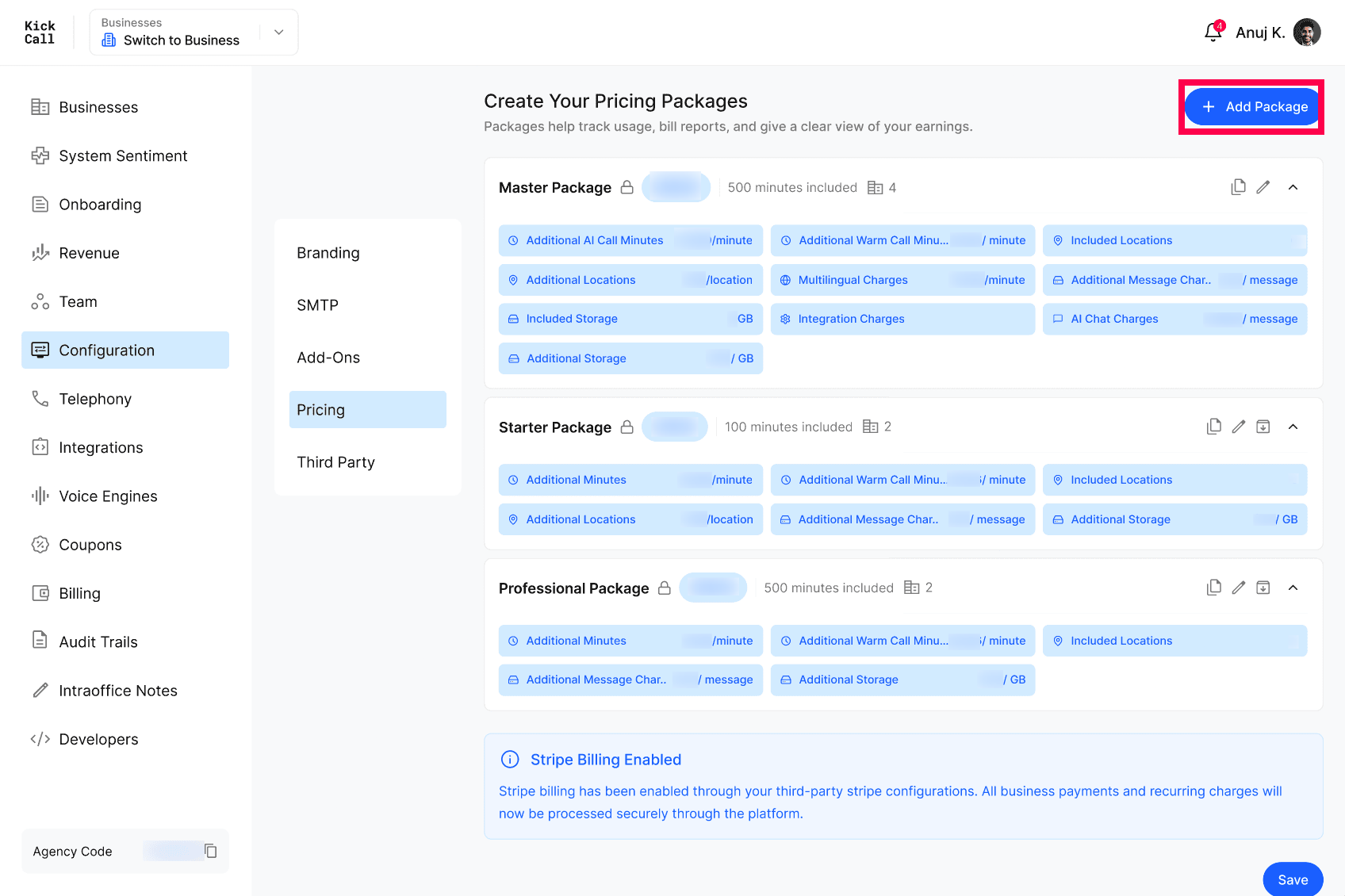
Click + Add Package to open the side panel.
Basic details
Package Name — e.g. Master Package, Starter, Professional.
Public toggle — when on, the package is visible to businesses during onboarding. Turn off to keep it private (only Agency can assign).
Base Price — monthly price of the package.
Inclusions and overage
Included AI Call Minutes + Cost per Additional Minute
Included Warm Call Minutes + Cost Per Additional Warm Call Minute — a warm call is any call handled by a live agent or operator before/after AI escalation.
Included SMS Segments + Cost per Additional SMS per segment
Included AI Chat Messages + Cost per Additional AI Chat Message
Included Locations + Cost per Additional Location
Included Storage (GB) + Cost per Additional GB
Optional charges
Multilingual Charges — extra per-minute charge when multilingual support is used.
Premium Support Per Location — extra charge per location for premium support.
Phone Number Charges — when turned ON, the business pays recurring charges for any phone numbers assigned to it. Phone number charges vary by country and are based on the number's destination and local carrier rates. When enabled, enter a Surcharge Amount to add a fixed per-number fee on top of the carrier cost.
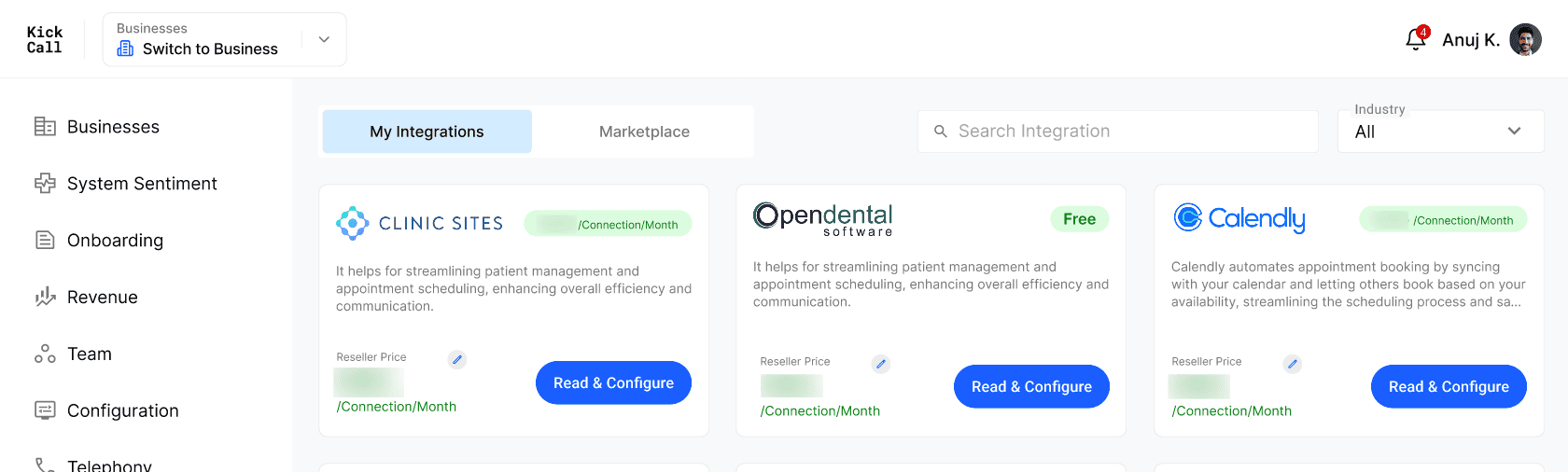
Charge Additional for Integration — when turned ON, integration charges are added on top of the base package price. The price is picked up automatically from the Reseller Price set on each integration in My Integrations — you do not enter it here. See Integration Resell Pricing and Wholesale Price for how to set the Reseller Price.
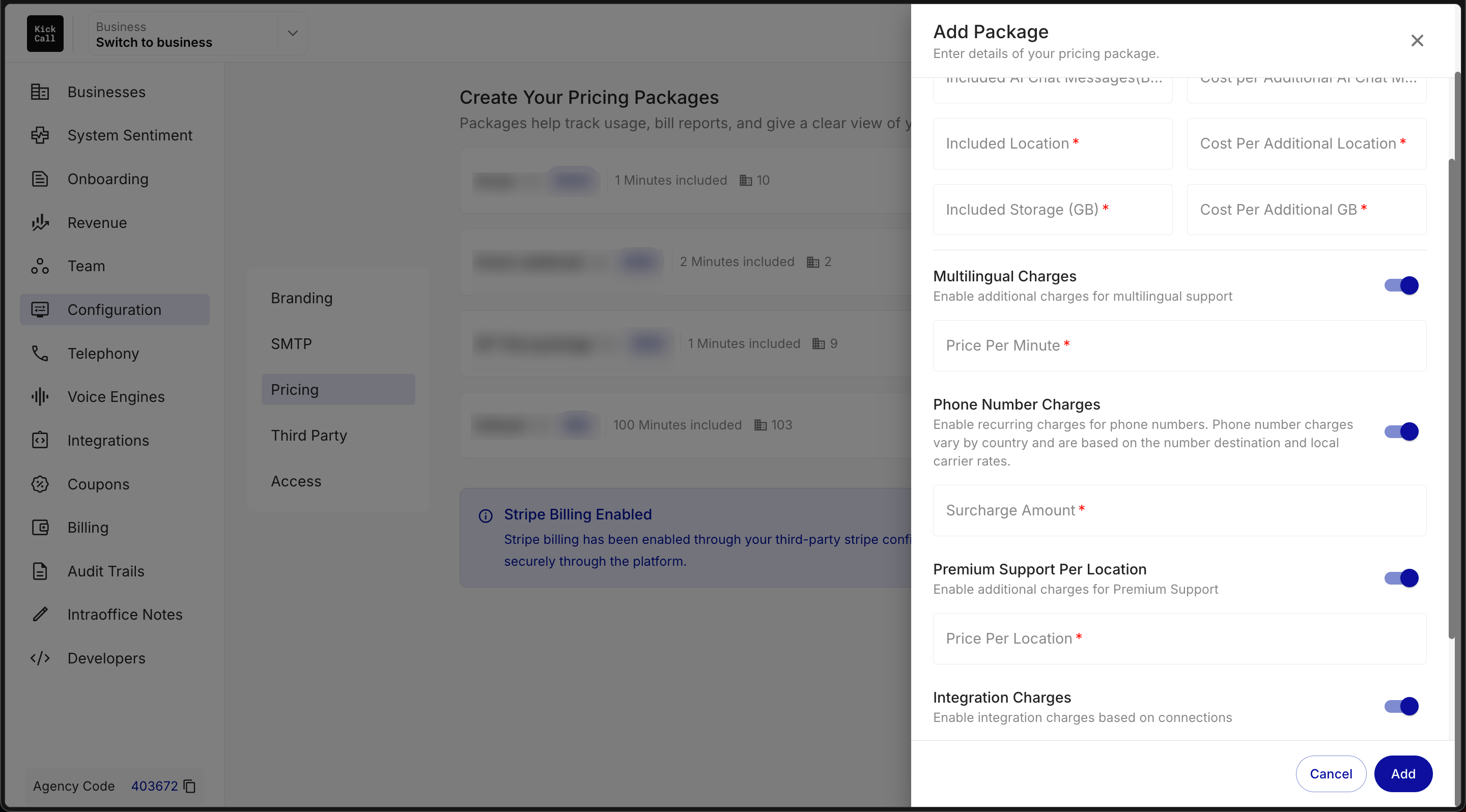
Click Add to save the package. It will appear in the package list and become available when assigning a package to a business.
Manage existing packages
Each package row shows the price and a quick summary (included minutes, included locations). Use the row actions to:
Duplicate — copy a package as a starting point for a new one.
Edit — change pricing or inclusions.
Archive — retire a package so it cannot be assigned to new businesses.
Expand — view all inclusions and overage rates inline.
Frequently Asked Questions
Can I change a package after businesses are using it?
Can I change a package after businesses are using it?
Yes. Edits apply going forward — bills are calculated at month-end using the latest package configuration.
What does the Public toggle do?
What does the Public toggle do?
Public packages are visible to businesses during onboarding so they can self-select. Private packages can only be assigned by the Agency from the business profile.
How is overage calculated?
How is overage calculated?
Usage above the included quota is charged at the per-unit rate set on the package (per minute, per message, per location, per GB).
Do I have to set a price for every optional charge?
Do I have to set a price for every optional charge?
No. Multilingual, Premium Support and Integration charges are optional toggles — enable only the ones you want to bill for.
How are Phone Number Charges billed?
How are Phone Number Charges billed?
When Phone Number Charges is enabled, the business pays the recurring cost for every phone number assigned to it. The carrier cost depends on the number's country and destination. You can also add a flat Surcharge Amount per number that is added on top of the carrier cost.
What does the Surcharge Amount cover?
What does the Surcharge Amount cover?
The Surcharge Amount is a fixed per-number fee you set on the package. It is added to the carrier's phone number charge for each number the business uses, letting you mark up the cost however you choose.
More in Pricing:
Was this helpful?
Still need help? Ask the team