Configure Customer.io
Written By Maruf Ansari
Last updated 3 months ago
Customer.io is a customer messaging platform. Activating it inside Kickcall lets you send automated messages across email, SMS and push throughout the customer journey — onboarding, activation, retention and re-engagement.
What you get
Trigger lifecycle messages from Kickcall events (signup, onboarding completed, package upgraded, usage thresholds, etc.).
Run multi-channel campaigns (email + SMS + push) from a single workflow.
Segment customers using Kickcall data synced into Customer.io.
Activate Customer.io
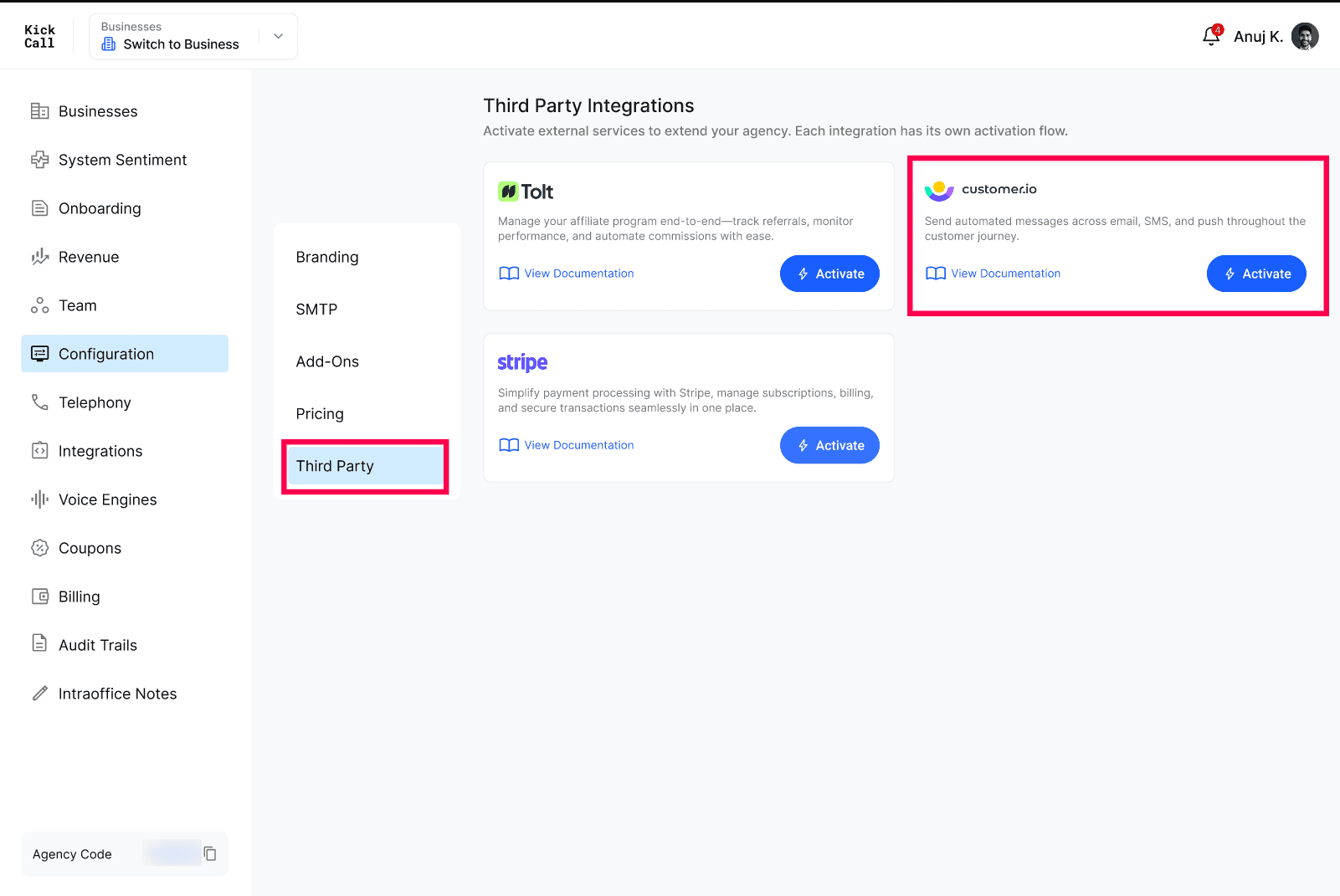
Open Configuration → Third Party.
On the Customer.io card, click Activate.
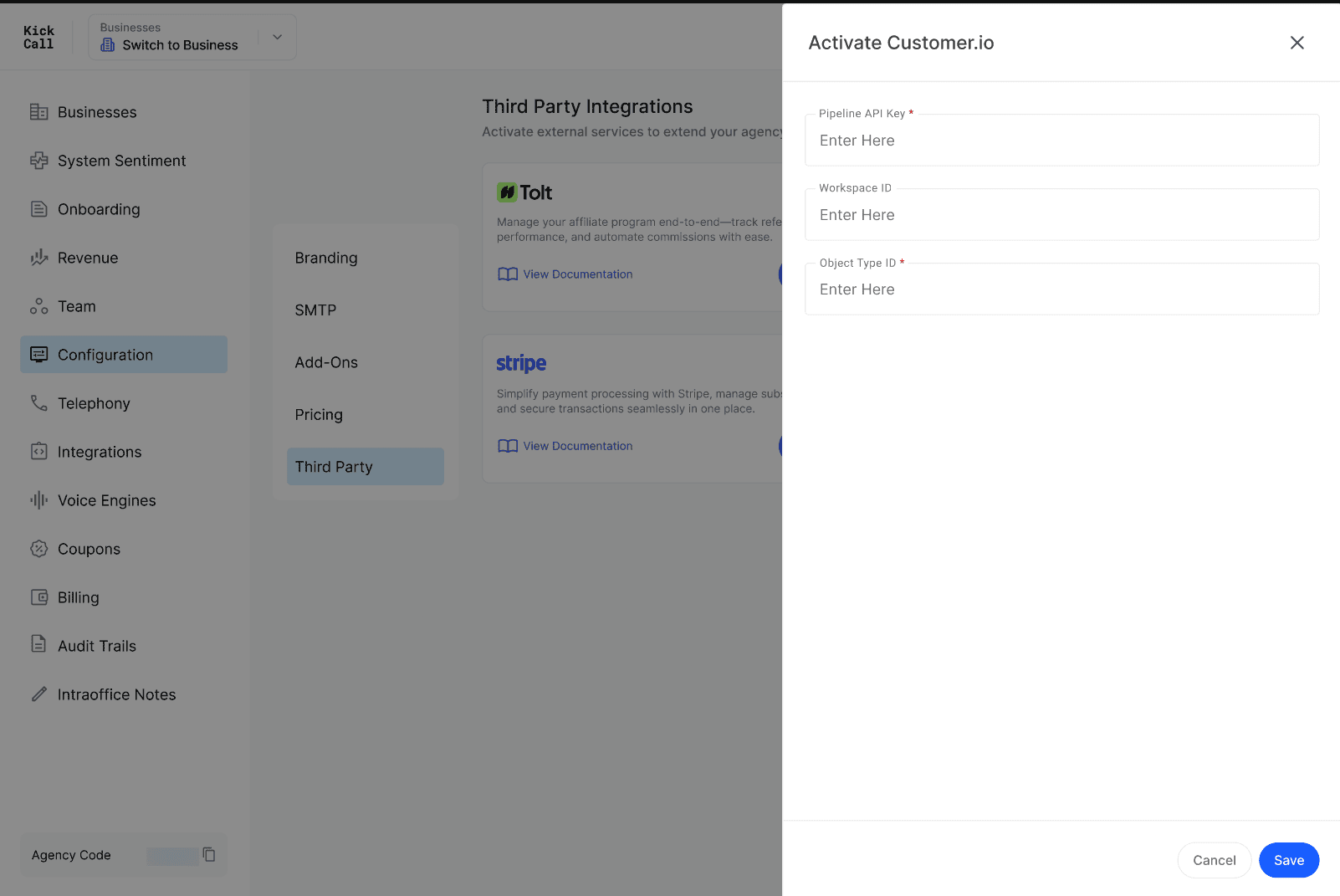
Connect your Customer.io workspace using your Site ID and API Key (from Customer.io → Settings → API Credentials).
Use View Documentation on the card for the latest setup steps from Customer.io.
Frequently Asked Questions
Do I need a Customer.io account?
Do I need a Customer.io account?
Yes. Create a workspace in Customer.io and grab your API credentials before activating the integration.
What data is synced to Customer.io?
What data is synced to Customer.io?
Customer profile attributes and key lifecycle events from Kickcall (such as onboarding completed, package changes, usage milestones) are sent so you can build campaigns and segments around them.
Can I use Customer.io for transactional emails too?
Can I use Customer.io for transactional emails too?
Yes. You can configure transactional templates in Customer.io and trigger them from Kickcall events. System emails like OTP login still go through your SMTP configuration.
Can I deactivate it later?
Can I deactivate it later?
Yes. Disconnect from the Third Party page at any time. Existing campaigns in your Customer.io workspace will continue to run independently.
More in Third Party:
Was this helpful?
Still need help? Ask the team