Manage Business Details & Configurations: Overview
Written By Anand Raj
Last updated 4 months ago
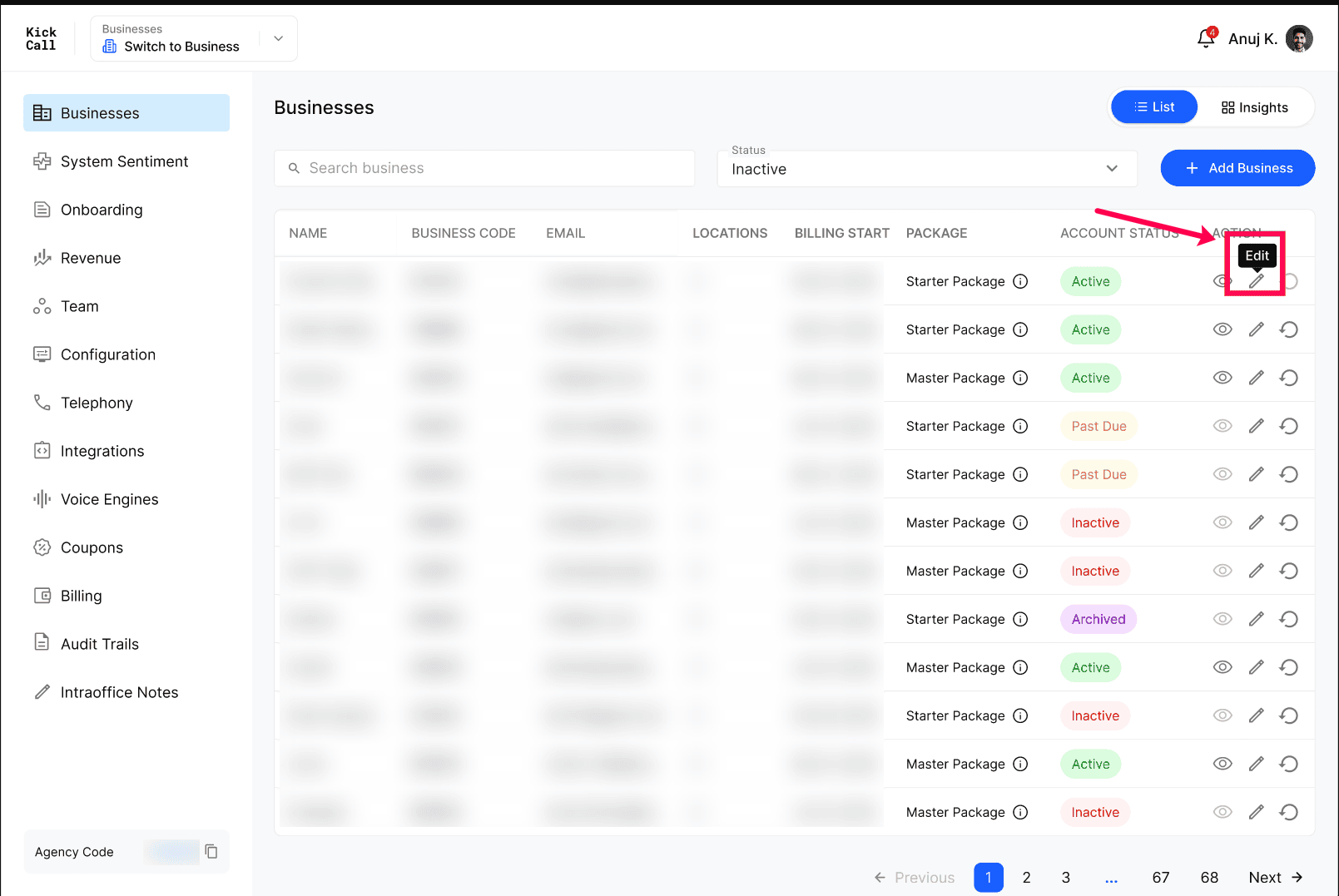
Manage Business Details & Configurations is where the Agency controls everything about a single business — its account status, what its users can change, the voice engine powering its agents, the telephony services it can use, and its pricing package. Use this overview as a map; each section links to the detailed article.
What you can manage
Business General Information — core profile fields (logo, friendly & legal name, industry, primary contact, business number, website, time zone) plus the billing address used on invoices.
Business Account Statuses — understand each status (Active, Past Due, Inactive, Archived) and what it means for the business's access and call handling.
Agent Behavior Edit Permissions — control what business users are allowed to change on their agents, so the Agency keeps guardrails in place.
Business Voice Engine — pick the engine that fits the business: General-Purpose, Multilingual, Conversational or Order Taker. Only one engine per business, and updates are always manual.
Business Telephony — assign one or more telephony services (Twilio, Telnyx, Bandwidth, etc.) or bring a custom SIP trunk if your provider isn't listed.
Business Billing Information & Packages — assign a pricing package and choose whether the business sees its own billing module or you handle it on their behalf.
More in Manage Business Details & Configurations:
Was this helpful?
Still need help? Ask the team