Numbers
Manage Your Phone Numbers & Extensions
Written By Maruf Ansari
Last updated About 2 months ago
Numbers is the main directory of every phone number and extension assigned to your Business. From here you can see which numbers are active, what each one can do, where it came from, and which agent it is attached to.
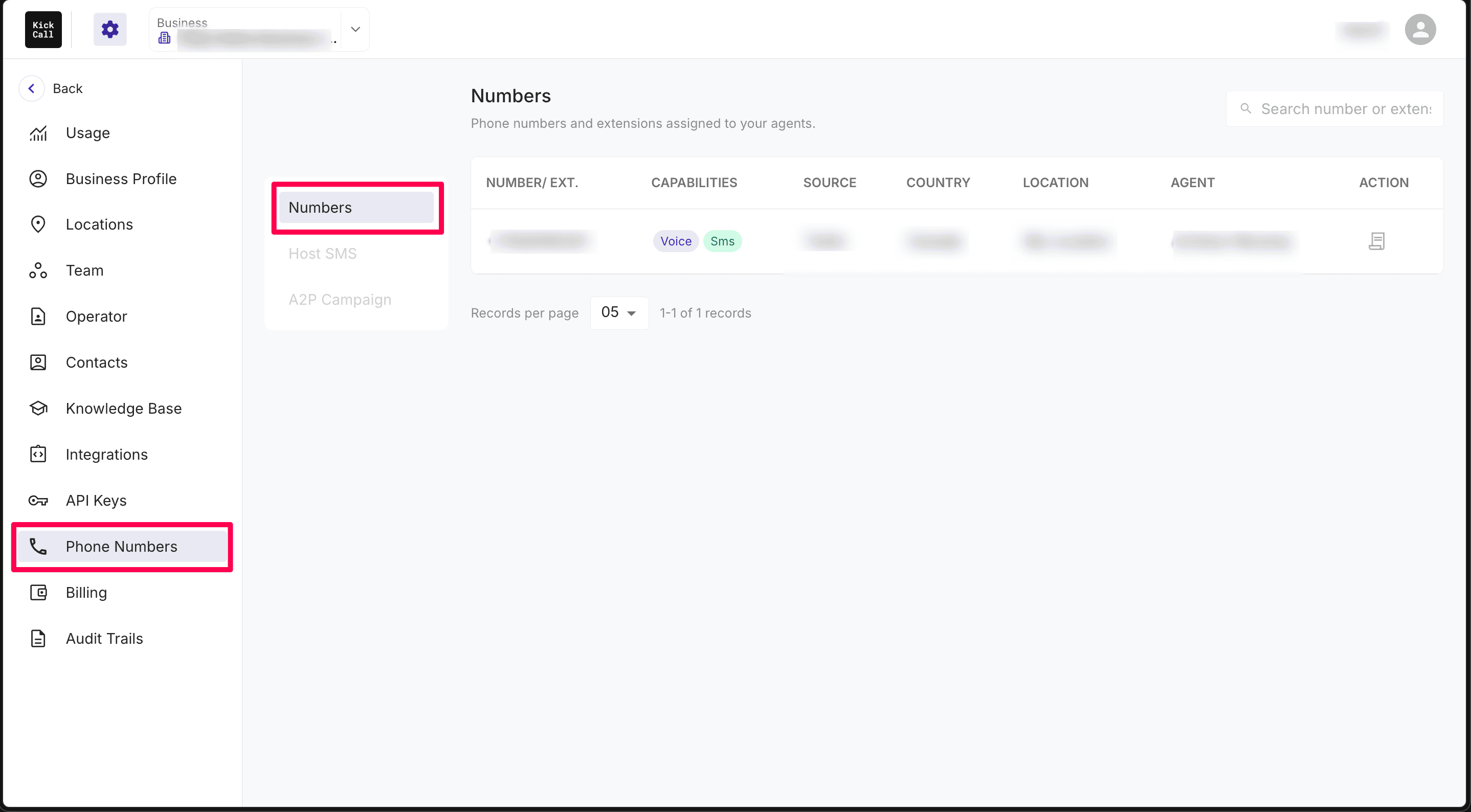
Open it from the Business Portal sidebar under Phone Numbers → Numbers. If you want an overview of the other tabs in this section, see Phone Numbers Overview.
The Numbers list
The Numbers tab shows every number and extension currently assigned to your Business. Each row gives you a quick view of how the number is configured and what it can do.
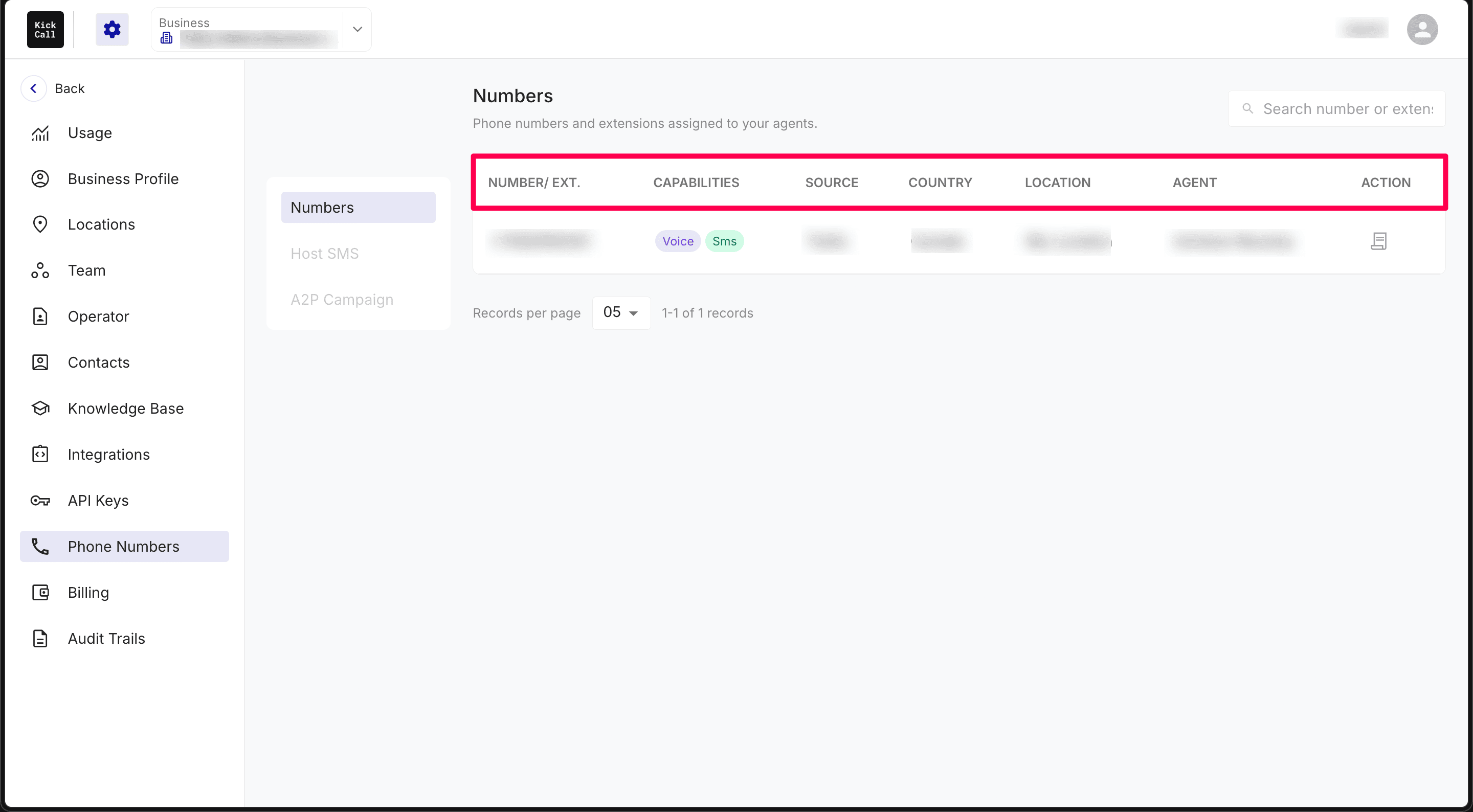
Number / Ext. — the full phone number or short extension. Numbers may include a country code (for example, +1 646 555 7712), while extensions may appear as simple digits like 123.
Capabilities — the channels and features this number supports, shown as colored badges. Common values are Voice, SIP, SMS, Hosted SMS, and A2P.
Source — the carrier or telephony provider that supplied the number, such as Twilio, Bandwidth, RingCentral, or NetSapiens.
Country — the country the number is registered in.
Location — the Business location this number is linked to, such as Main Office, Texas, or Yosemite.
Agent — the agent that is currently attached to this number or extension.
Action — quick actions for the number. Some actions are still being rolled out and are marked below as coming soon.
Use the Search number bar at the top to find a specific number, extension, or agent quickly. You can also change how many records appear on each page using the dropdown at the bottom of the list.
Capabilities explained
The badges in the Capabilities column tell you what a number can be used for:
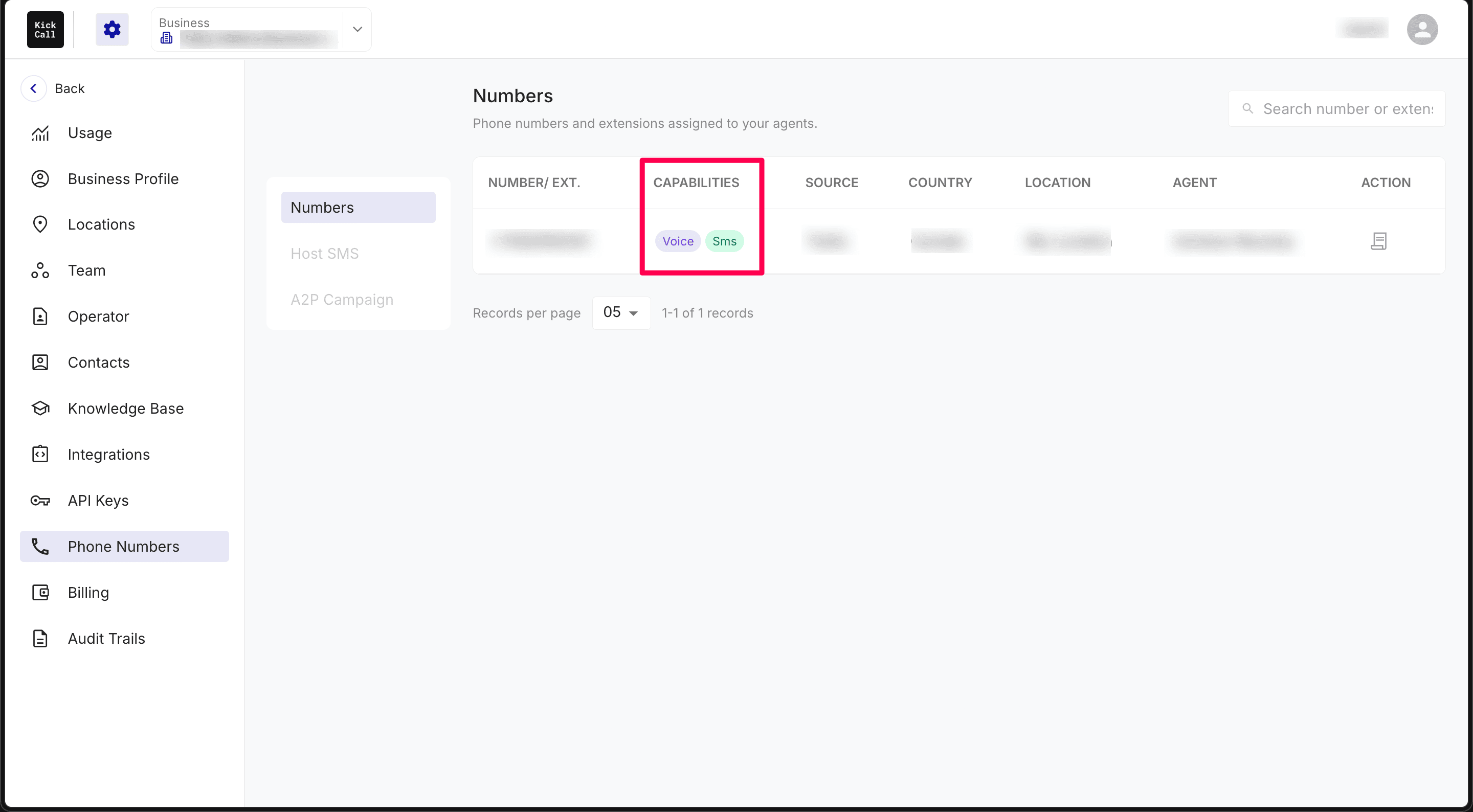
Voice — the number can receive and place phone calls through the AI agent.
SIP — the number is connected over SIP, usually from a carrier or PBX you already use.
SMS — the number can send and receive standard text messages.
Hosted SMS — the number uses hosted SMS messaging, often for numbers where voice is handled elsewhere.
A2P — the number is enabled for Application-to-Person messaging campaigns.
A single number can carry more than one capability. For example, a Twilio number might show Voice, Hosted SMS, and A2P all at once.
Row actions
Each number row includes action icons on the right. These let you manage the number without leaving the list. The exact options depend on the number's source and capabilities, and some are still being rolled out:
SMS Hosting status — shows whether hosted SMS is already enabled on the number. Full management controls for hosted SMS are coming soon.
A2P Campaign status — shows whether A2P messaging is already enabled on the number. Full A2P campaign management is coming soon.
Hover over an action icon to see a short description of what it does.
Frequently Asked Questions
What is the difference between a phone number and an extension?
What is the difference between a phone number and an extension?
A phone number is a full, externally dialable number. An extension is a short internal number, usually routed through your PBX or SIP system. Both can be assigned to agents in Kickcall.
Can one number handle calls and SMS at the same time?
Can one number handle calls and SMS at the same time?
Yes, if the number's capabilities include both Voice and SMS (or Hosted SMS). The capability badges show exactly what is enabled.
What does Hosted SMS mean?
What does Hosted SMS mean?
Hosted SMS means messaging is enabled on the number through a hosted messaging provider, while voice may be handled by a different carrier or connection. It lets you send and receive texts on a number whose calls are routed elsewhere.
What is A2P?
What is A2P?
A2P stands for Application-to-Person messaging. Numbers with the A2P badge can be used for outbound messaging campaigns and automated texts, subject to carrier registration requirements.
Why do some numbers show as SIP?
Why do some numbers show as SIP?
A SIP badge means the number is connected through your own carrier or PBX using SIP, rather than being provisioned directly through a native carrier like Twilio or Bandwidth.
Can the same number be assigned to more than one agent?
Can the same number be assigned to more than one agent?
No. Each number or extension is assigned to exactly one agent at a time. If you need multiple agents to handle calls from the same number, use routing or operator settings inside the agent's conversation flow.
Where do Host SMS and A2P Campaign fit in?
Where do Host SMS and A2P Campaign fit in?
Host SMS and A2P Campaign are separate tabs in the Phone Numbers section for managing hosted messaging numbers and messaging campaigns. The Numbers tab is your main directory of all assigned phone numbers and extensions. For an overview of all three tabs, see Phone Numbers Overview.
More in Phone Numbers
Was this helpful?
Still need help? Ask the team