My Profile & Notification Preferences: Overview
Manage your Kickcall Agency Portal profile, choose in-app and email alerts, and review notifications without changing other users’ settings.
Written By Maruf Ansari
Last updated 10 days ago
Your Agency Portal account has its own identity, alert settings and notification history, separate from every Business you manage. My Profile & Preferences is where you update your personal details, choose which platform events alert you, and review the in-app alerts you've received.
What this does
This module manages settings for your Agency user account only. Your profile details identify you in audit trails, intraoffice notes and activity attribution across the Agency Portal. Your notification settings decide which platform events alert you, and whether they arrive in the Agency Portal, by email, or both.
Changes here never affect your teammates' accounts or any Business you manage.
What's inside this module
Where to find it
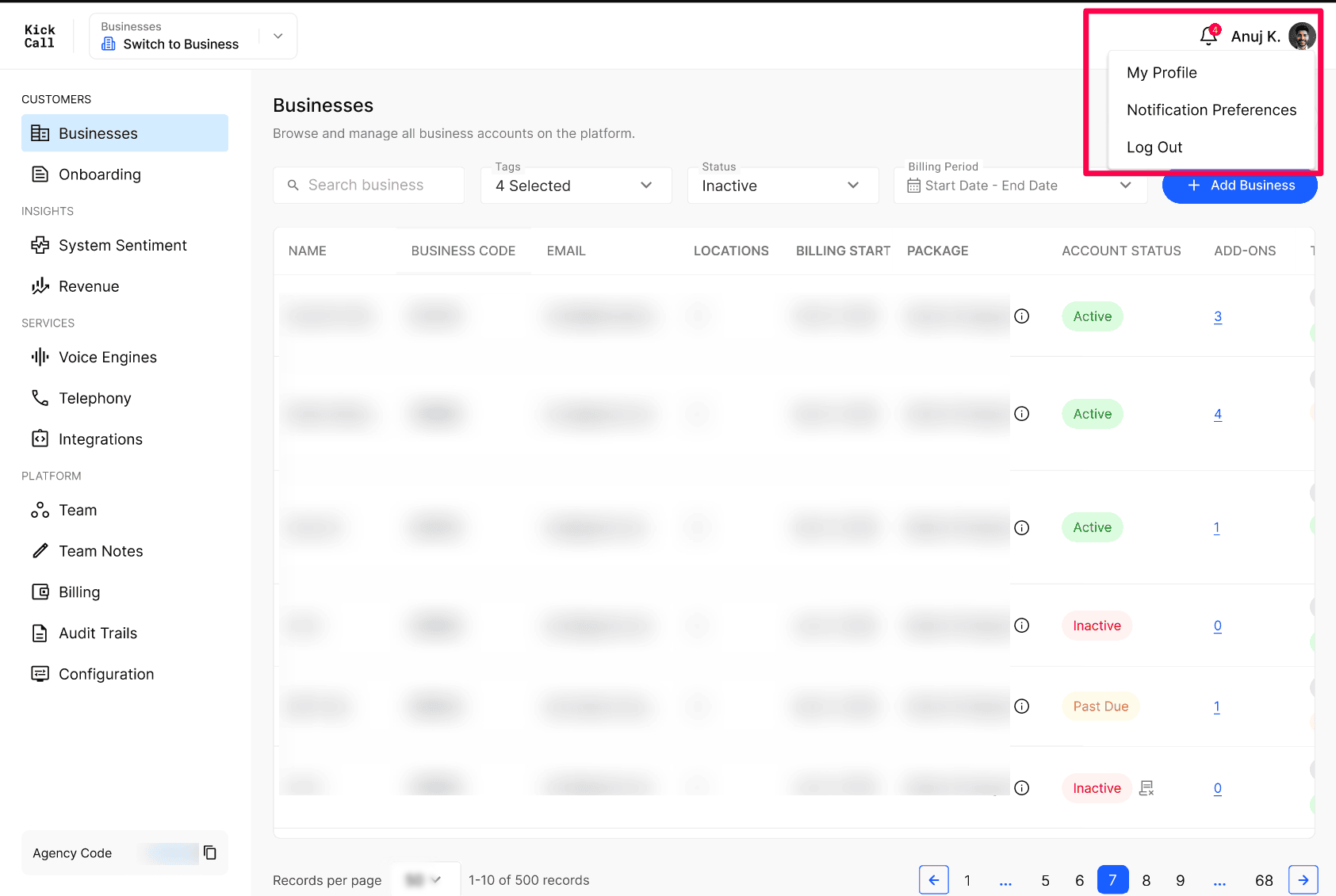
Everything in this module sits in the top-right corner of the Agency Portal:
Select your profile picture or name to open My Profile or Notification Preferences.
Select the bell icon to open the Notifications panel.
Next step
Open Update your Agency Profile Name, Photo and Phone Number in Kickcall and confirm your name and phone number are correct.
Was this helpful?
Still need help? Ask the team