What Is Host SMS and When Should You Use It?
Enable SMS on an existing phone number and use it for business texting through Host SMS
Written By Maruf Ansari
Last updated About 2 hours ago
Turn on text messaging for a business number you already own, without moving your calls to a new provider. The Host SMS tab is where you add those numbers, track their progress, and see which numbers are ready to send and receive SMS.
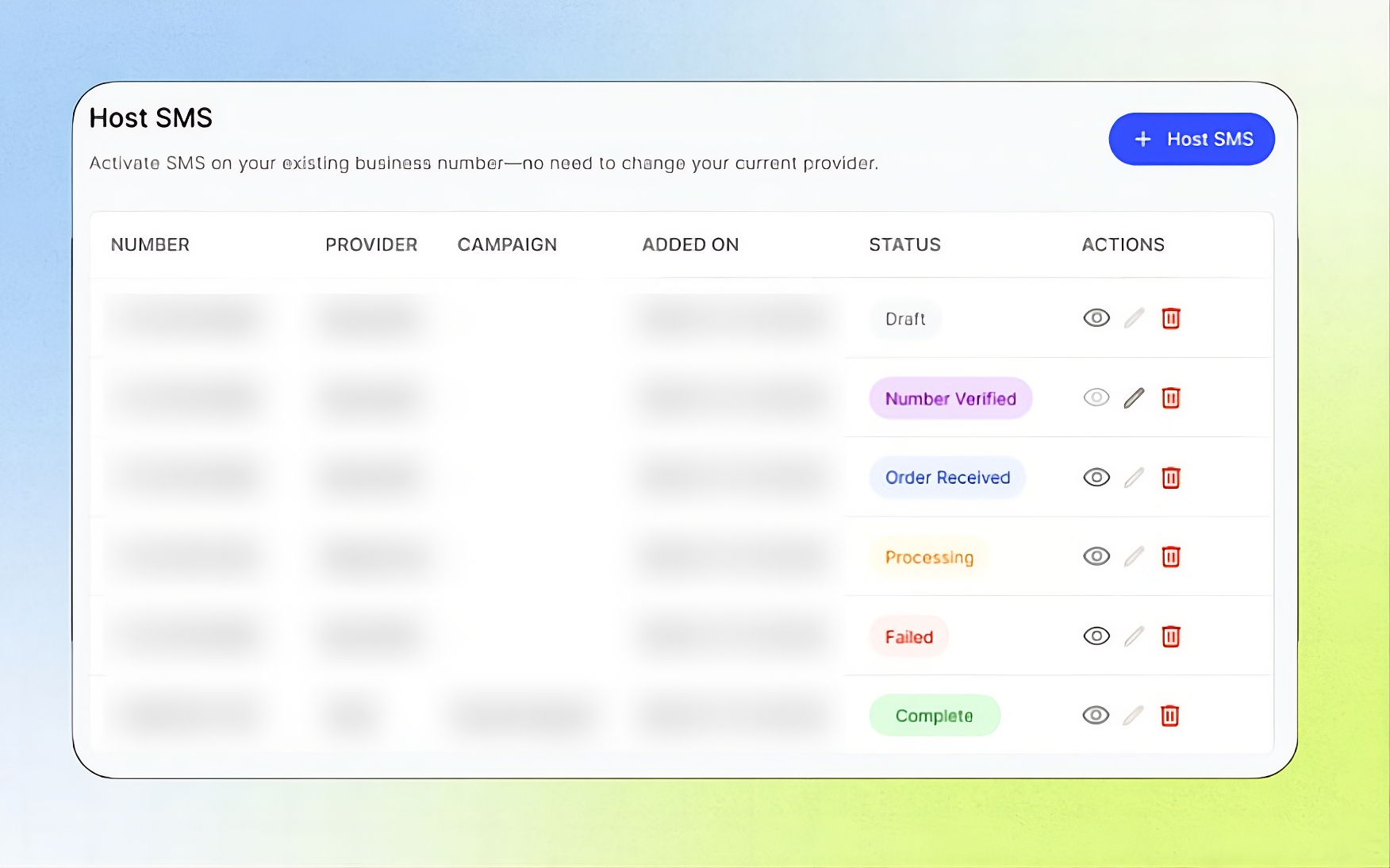
Open it from the Business Portal sidebar under Telephony → Host SMS.
Add-on required: Your Business must activate the SMS on Existing Business Number add-on before you can access Host SMS. See Add-Ons.
What this does
Hosted SMS (also called hosted messaging) keeps your voice service with your current carrier, such as Verizon, while text messages for that number are handled by the platform. Your AI agent can then send and receive SMS on the number your callers already know.
Your voice calls are not affected. Only the messaging side of the number is moved.
Conditions for hosting SMS
A US or Canada number. Hosted messaging is supported only for US and Canada landline or VoIP numbers.
Proof that you own the number. You must answer a verification call on the number and enter the 6-digit code it gives you.
A signed Letter of Authorization (LOA). The person signing must have authority over the number. The address on the LOA must be in the US or Canada.
A monitored email inbox. Your current provider may email you to confirm the request. The signing email inbox must be checked.
The SMS add-on. SMS on an existing number is offered as an add-on for Businesses in the US and Canada. See Add-Ons.
Note: In the USA, a hosted number also needs to be linked to an approved A2P campaign before it can send business SMS. See A2P Campaign.
How the process works
Add and Verify your number with a call OTP.
Enter your business details and sign the LOA, then submit.
Confirm the email from your current provider, if you receive one.
Wait for the order to move through Order Received and Processing to Complete.
See Host SMS Setup
The Host SMS tab
The tab shows the message "Activate SMS on your existing business number—no need to change your current provider." Click + Host SMS to add a number.
Hosted numbers list
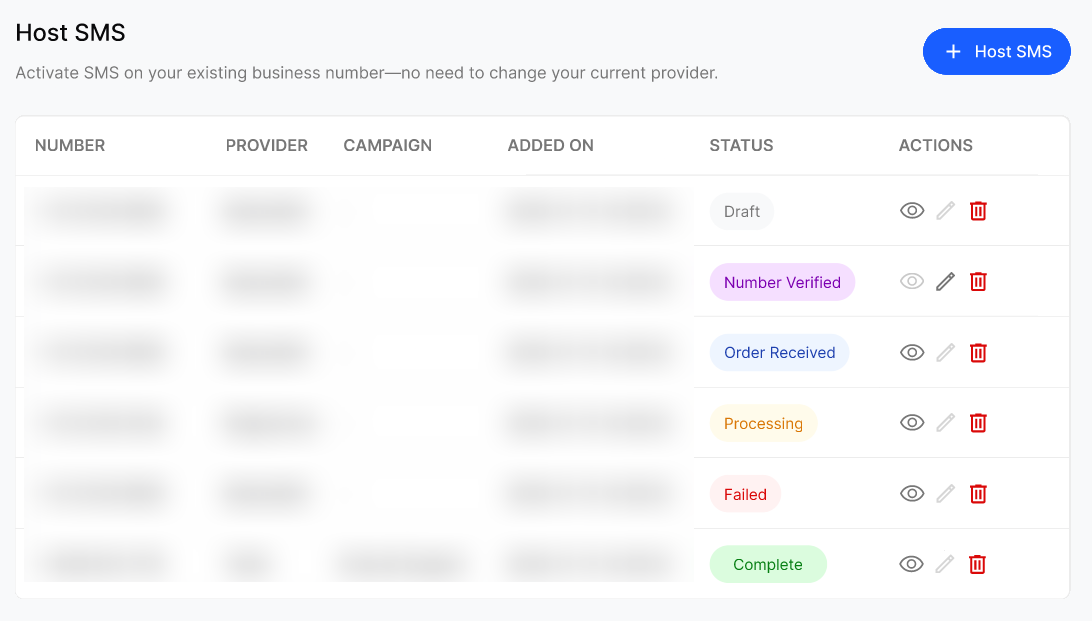
Statuses
Progress panel
Click the eye icon on a row to open the Host SMS on Existing Number panel. It shows each step — Order Received, Processing, and the final result — with a green tick for finished steps, or a red cross for Failed. While the order is in progress, a note reminds you to watch your inbox, including spam or junk, for an email from your provider.
Frequently Asked Questions
Will hosting SMS change my voice provider?
Will hosting SMS change my voice provider?
No. Your calls stay with your current provider. Only text messaging for the number is hosted.
Which numbers can I host?
Which numbers can I host?
US and Canada landline or VoIP numbers that you own.
What should I do if a number shows Failed?
What should I do if a number shows Failed?
The order did not complete and the number was not enabled for hosted messaging. Check your LOA details and contact your Agency to find out what to fix.
Can I edit a number after submitting it?
Can I edit a number after submitting it?
No. Editing is only available while the number is in Number Verified status, before you submit business details and the LOA.
Do I still need an A2P campaign?
Do I still need an A2P campaign?
Yes, in the USA. Link the hosted number to an approved A2P campaign so carriers deliver your messages.
Was this helpful?
Still need help? Ask the team