How do I check agency charges and invoice statuses in Kickcall?
Review Kickcall agency charges, integration usage, invoice statuses, payment history, and billing-state risks before changing your subscription or business settings
Written By Maruf Ansari
Last updated 9 days ago
Agency Billing & Usage is where you manage your agency's subscription, payment methods, current month charges, integration costs, and full billing history — all in one place. Because Kickcall bills post-paid and automatically, keeping this page under control is how you avoid service interruptions for every Business you manage.
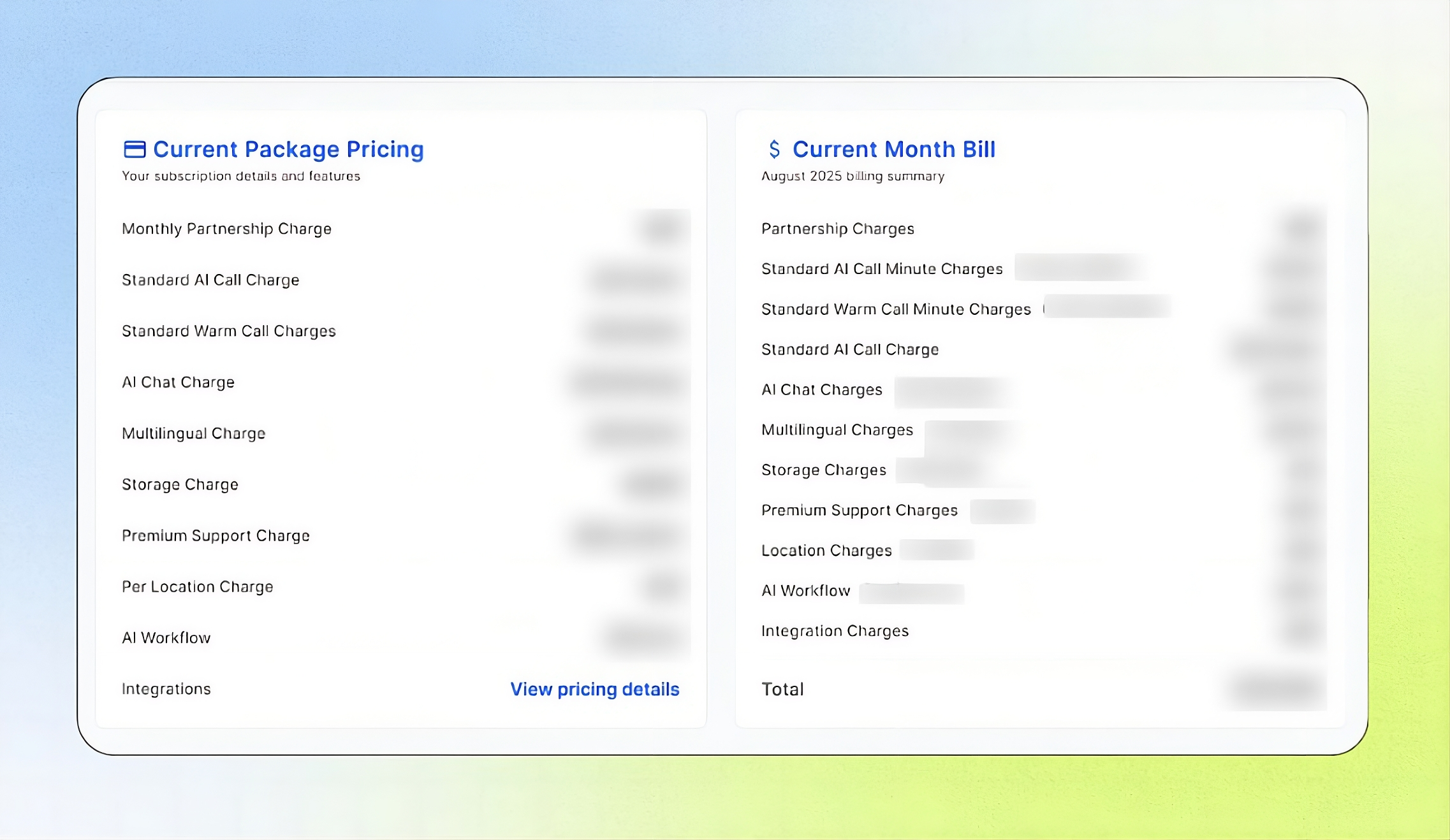
Billing Overview
Billing allows Agency administrators and owners to manage their agency’s payments and monitor monthly usage costs. Kickcall follows a post-paid billing model, charging the agency on the last day of each month for usage accumulated during that month.
From this page, you can manage payment methods, review current charges and integration costs, track invoice history and billing statuses, and cancel your subscription while understanding any applicable mid-contract charges.
Important notes
Billing follows each Business's status, not its activity. A Business in Active status is billed per your package even if it is not using the system. Move Businesses you do not want billed to Inactive or Archived.
If your agency enters Past Due, all your Businesses' services stop and Business users cannot log in.
Your contract is on auto-renewal. To avoid renewing, cancel manually before the next renewal date.
Before you start
Have a valid card to add as a payment method.
Know your contract renewal date if you are considering cancellation — contracts auto-renew.
Review current-month charges and billing history
Open Billing in the Agency Portal.
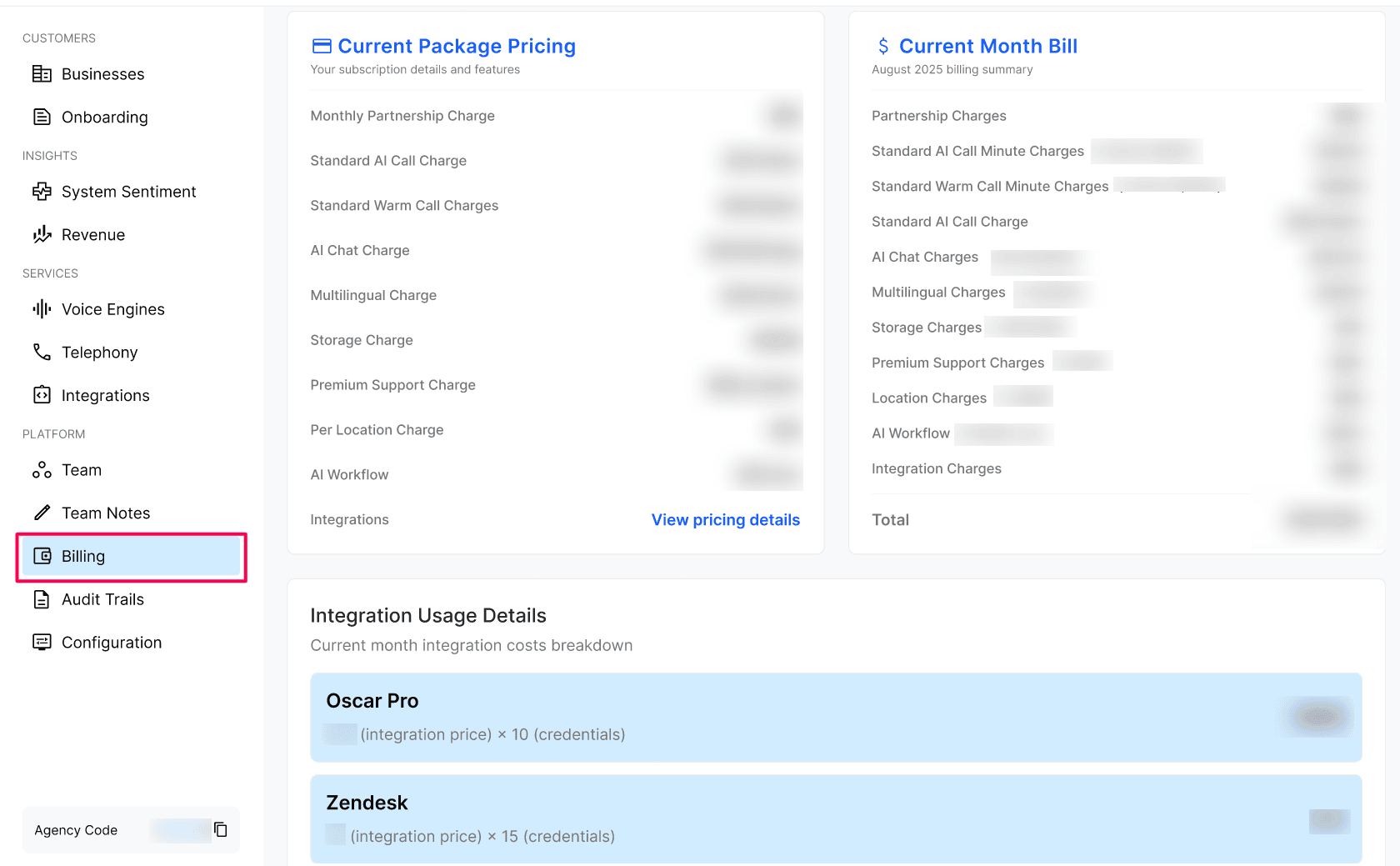
Review the cards used to charge your agency subscription. You can add multiple payment methods and mark one as Default. The default method is used automatically on every billing cycle.
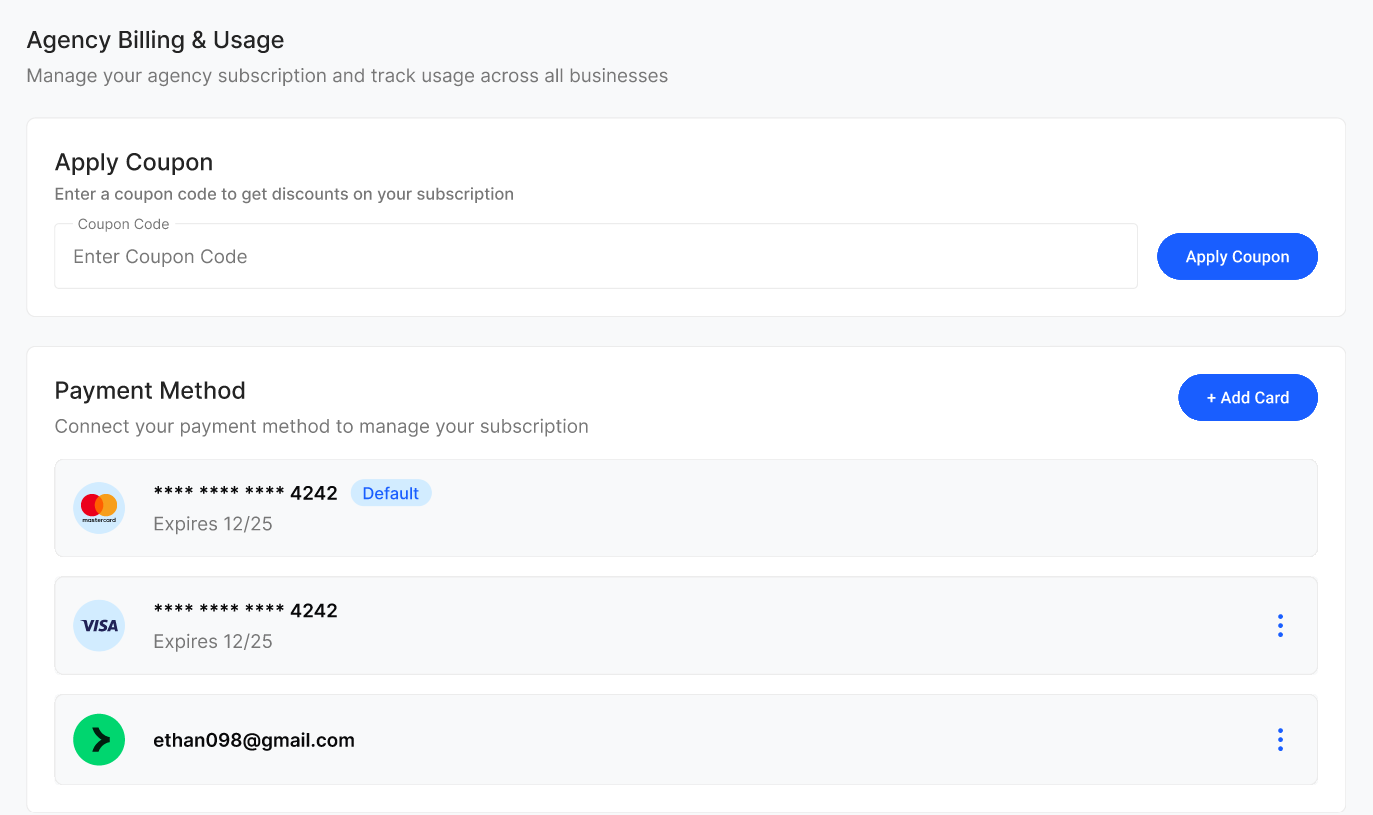
Review the current package pricing & the current-month bill, including the charge categories shown for the agency.
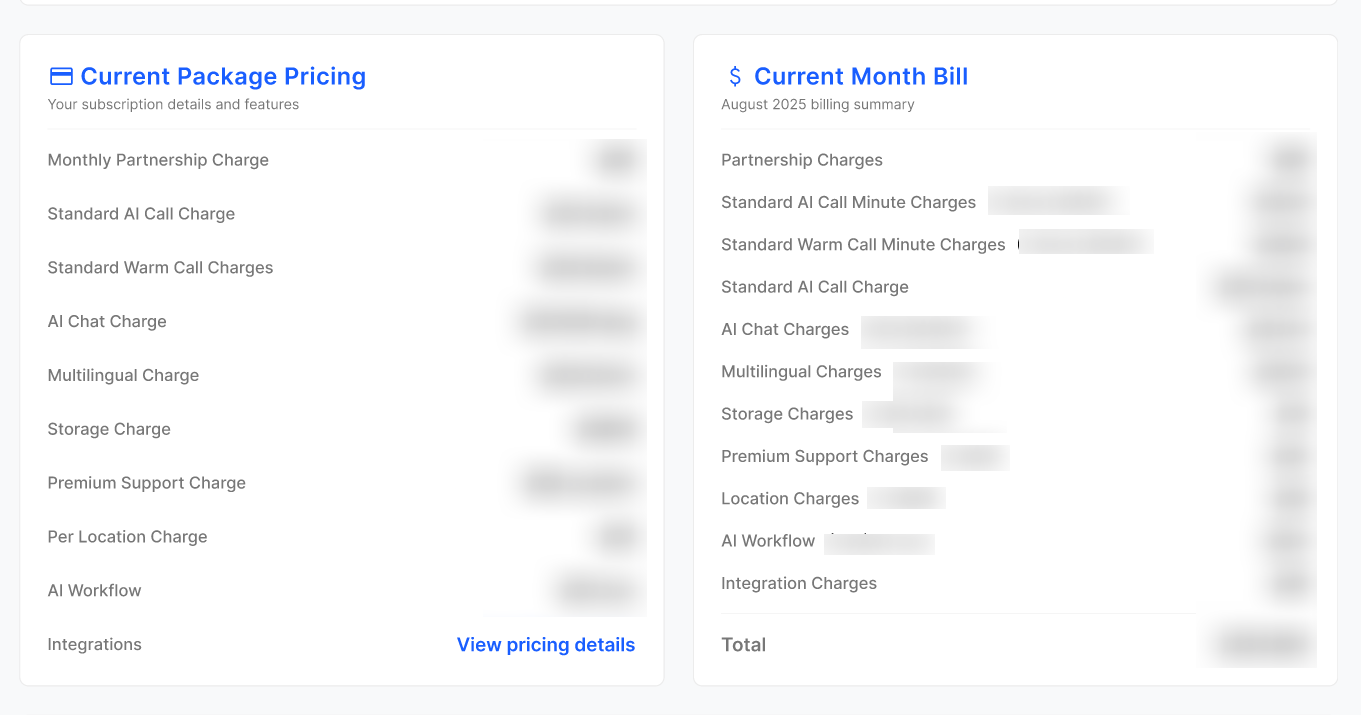
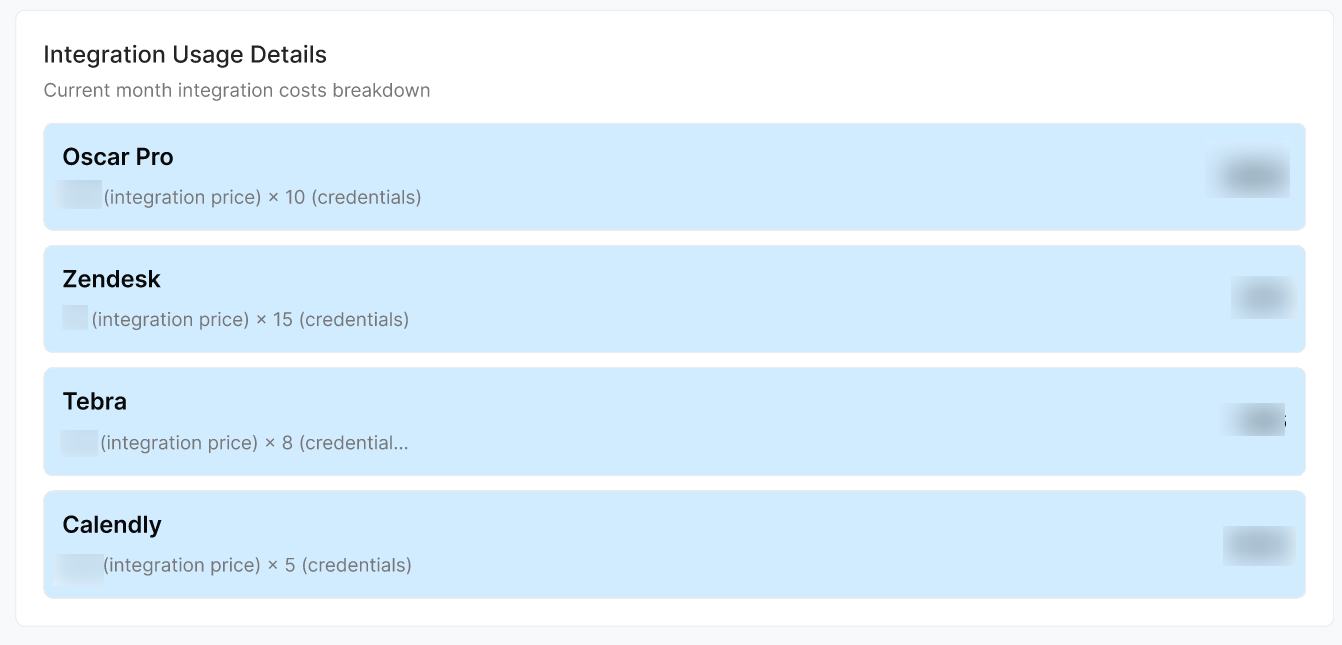
Review integration usage details. Per-integration breakdown of how much each connected integration is costing this month, calculated as integration price × number of credentials in use (e.g. Oscar Pro, Zendesk, Slack, HubSpot).
Open the billing-history area and review the Month-by-month log of every invoice with subtotal, tax, discount, total, status (Draft, Open, Paid, Void, Refunded), and a downloadable invoice PDF for each row.
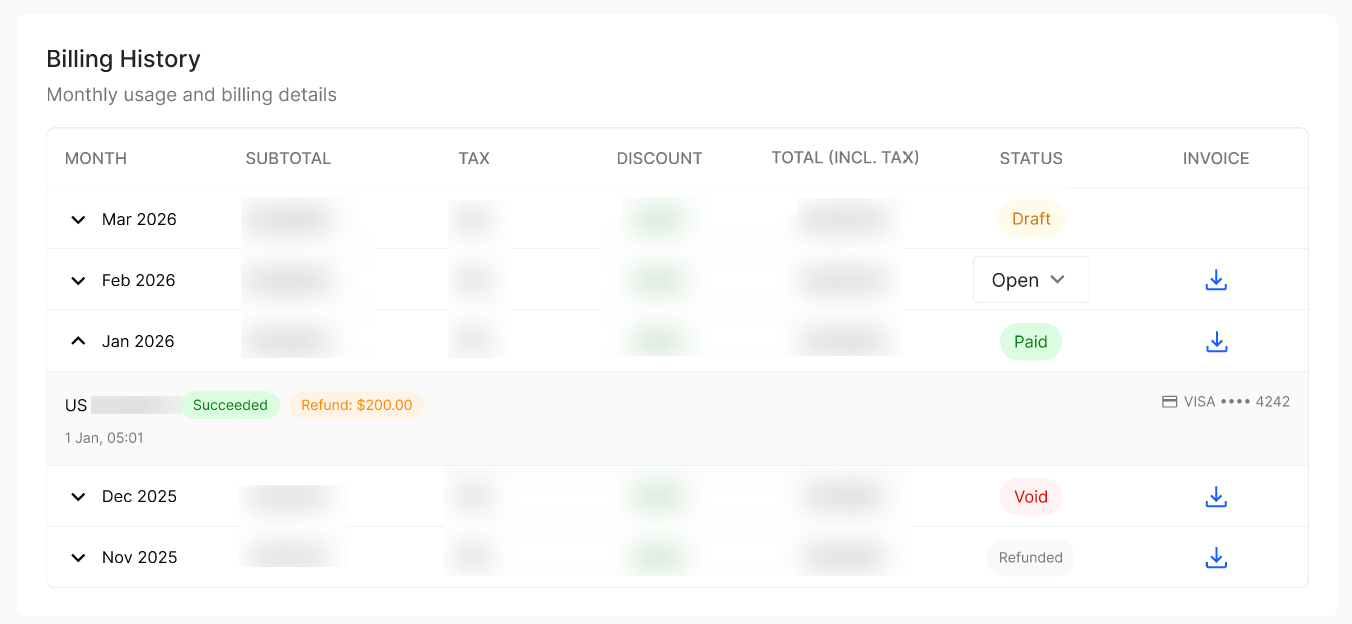
If the invoice row can be expanded, review the transaction details shown there. The expanded details may include amount, status, payment method, timestamp, and refund details.
Agency billing statuses
Cancel your subscription
Open the Billing page and scroll to the Cancel Subscription action at the bottom.
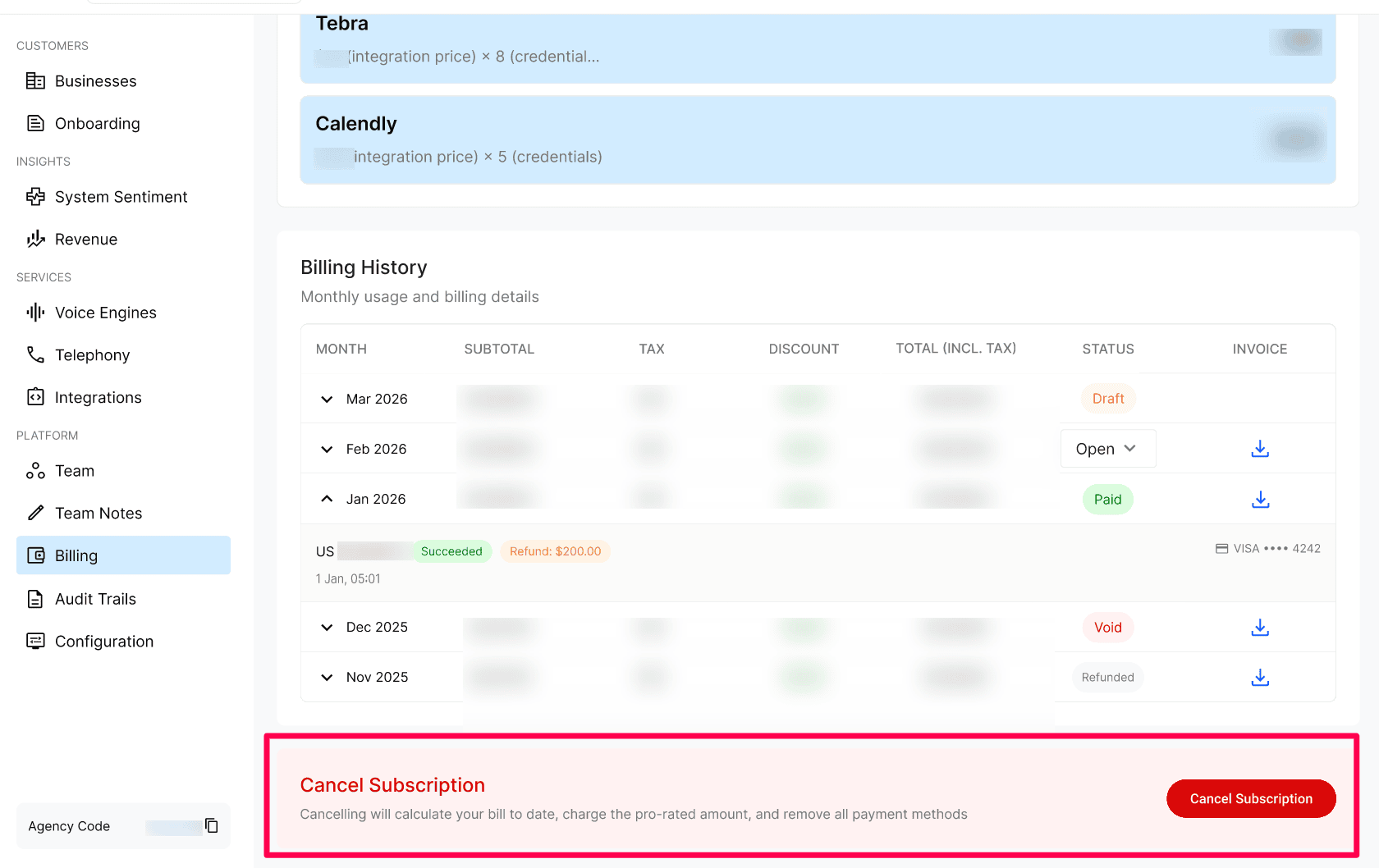
Select a reason from the dropdown (required) and optionally add written feedback about your experience.
Confirm the cancellation. If you are mid-contract, the Agency Membership fee for the remaining months of the contract is charged at cancellation, along with any pro-rated usage to date.
Expected result
Your default payment method is charged automatically on the last day of each month.
Billing History shows each invoice with its status and a downloadable PDF.
Your agency stays in Active status and your Businesses keep running without interruption.
Verify the result
Confirm a payment method is marked Default.
Review the Current Month Bill and confirm the charges match your expectations for package, usage, and integrations.
Troubleshooting
Recovery or rollback
Past Due: settle the outstanding balance. No data is deleted at this stage — your setup, configurations, integrations, and phone numbers remain exactly as-is until the next billing cycle.
Inactive/Cancelled: contact Kickcall support to recover the account. Note that active integrations were already deleted and phone numbers released when the agency went Inactive, so those must be set up again after recovery.
Frequently Asked Questions
When am I charged?
When am I charged?
On the last day of every month. Billing is post-paid, so the charge covers usage accumulated during that month.
What happens if my card fails on the billing date?
What happens if my card fails on the billing date?
We retry the payment. If it is still unrecovered after 7 days, your agency moves to Past Due and your businesses' services are stopped until the balance is cleared.
Will I lose my data if I land in Past Due?
Will I lose my data if I land in Past Due?
No. In Past Due we never delete data. Your full setup is preserved until the next billing cycle so you can resume immediately after payment is recovered.
What happens to my phone numbers and integrations if I go Inactive?
What happens to my phone numbers and integrations if I go Inactive?
All phone numbers are released back to the carriers and all active integrations are deleted. After 1 month in Inactive, the agency and all its businesses are permanently deleted.
How do I cancel?
How do I cancel?
Use the Cancel Subscription action at the bottom of the Billing page. If you're mid-contract, the membership fee for the remaining contract months is charged at cancellation.
I'm not using a business — why am I still being charged for it?
I'm not using a business — why am I still being charged for it?
Billing follows the business's status, not its activity. As long as the business is in Active status, charges apply per your package. Move the business to Inactive or Archived to stop billing for it.
Related articles
Was this helpful?
Still need help? Ask the team