Where Do I Manage Business Details and Account Settings in Kickcall?
Find the Kickcall Agency Portal guides for business profile details, account status, agent permissions, voice engines, telephony and billing settings
Written By Maruf Ansari
Last updated 9 days ago
Manage a Business’s profile, service access and pricing from one account detail view. Use this guide map to choose the correct task before changing settings that affect calls, access or invoices.
Open the Business configuration
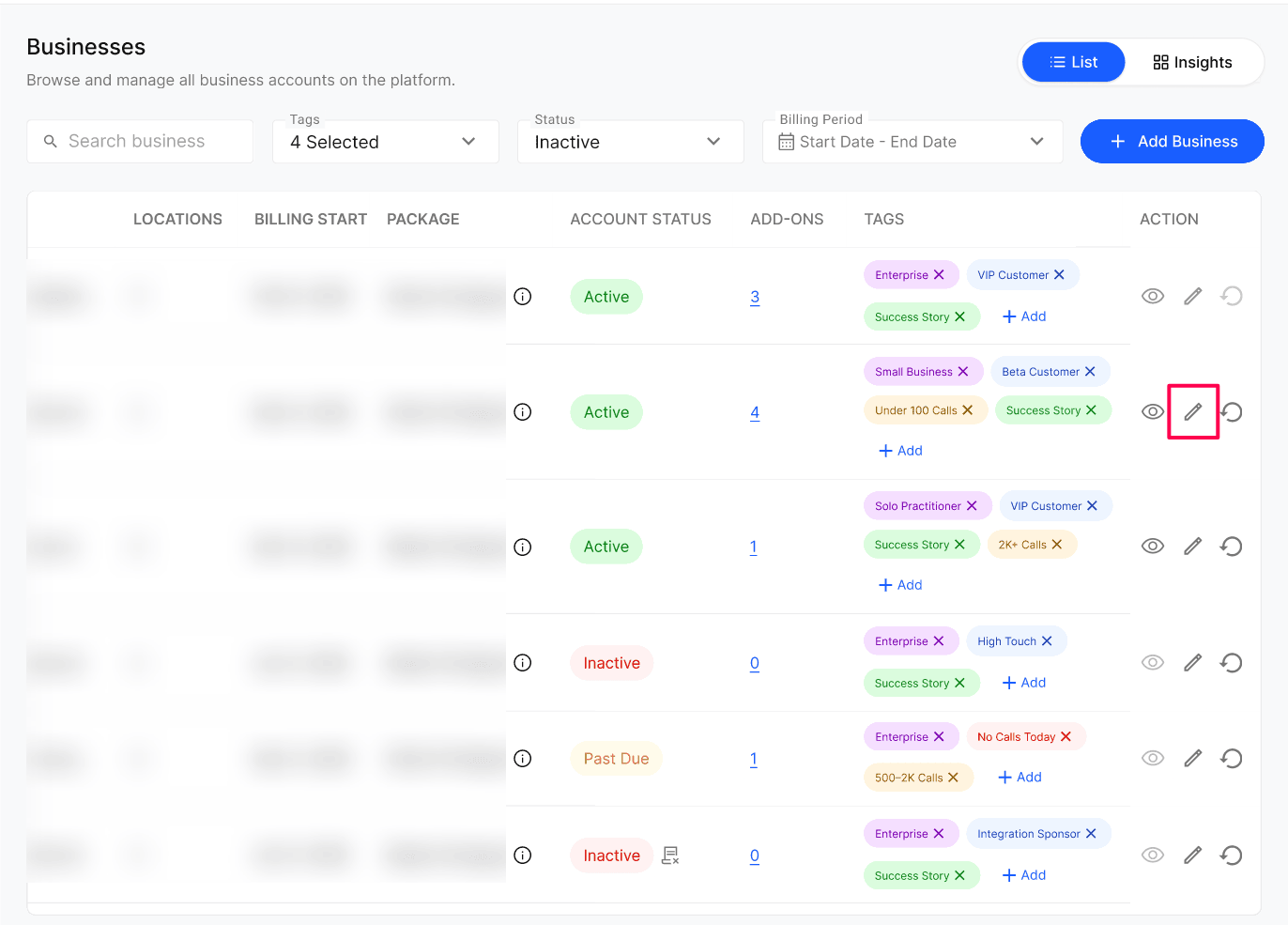
Open Businesses in the Agency Portal.
Find the Business and verify its Business Code.
Select Edit (pencil icon), then open the relevant section below.
Choose the task
Before making changes
Confirm the account by Business Code before editing.
Read the relevant guide’s warnings, especially irreversible archiving, billing-related status overrides and engine updates.
Voice engine, telephony and package choices are initially configured in the onboarding Internal Process step.
Next step
Open the guide for the setting you need to change and complete its verification steps.
Was this helpful?
Still need help? Ask the team