How Do I Assign a Business Package and Control Billing Visibility in Kickcall?
Assign a Kickcall business package, review included minutes and overage rates, and choose whether business users can see their billing page
Written By Maruf Ansari
Last updated 9 days ago
Business Billing Information Overview
Business Billing Information allows Agency administrators and billing owners to manage a Business's pricing package and billing visibility. You can review the currently assigned package, select or change an approved package, and control whether the Business can access its Billing module. Packages are initially assigned during Business Onboarding and can be updated later. This section also helps you review the applicable monthly charges and usage-based overage costs to ensure the Business has the correct billing configuration.
Important notes
The initial package is assigned during onboarding’s Internal Process step. Bills are calculated at month-end. A package changed before bill generation is used for that month’s bill.
Usage beyond included minutes is charged at the package’s per-minute overage rate. Hide billing access from business controls visibility; do not assume hiding the page cancels charges or changes payment collection.
Before you start
Open the intended Business’s configuration and confirm its Business Code.
Review the Agency’s available packages and the Business’s usage needs.
Do not make a package change without confirming its financial impact and effective date with the billing owner.
Assign or change a package
Open the Business and scroll to Billing Information.
Compare available packages by monthly price, included minutes and per-minute overage rate. Master Package and Starter Package are examples, not guaranteed available choices.
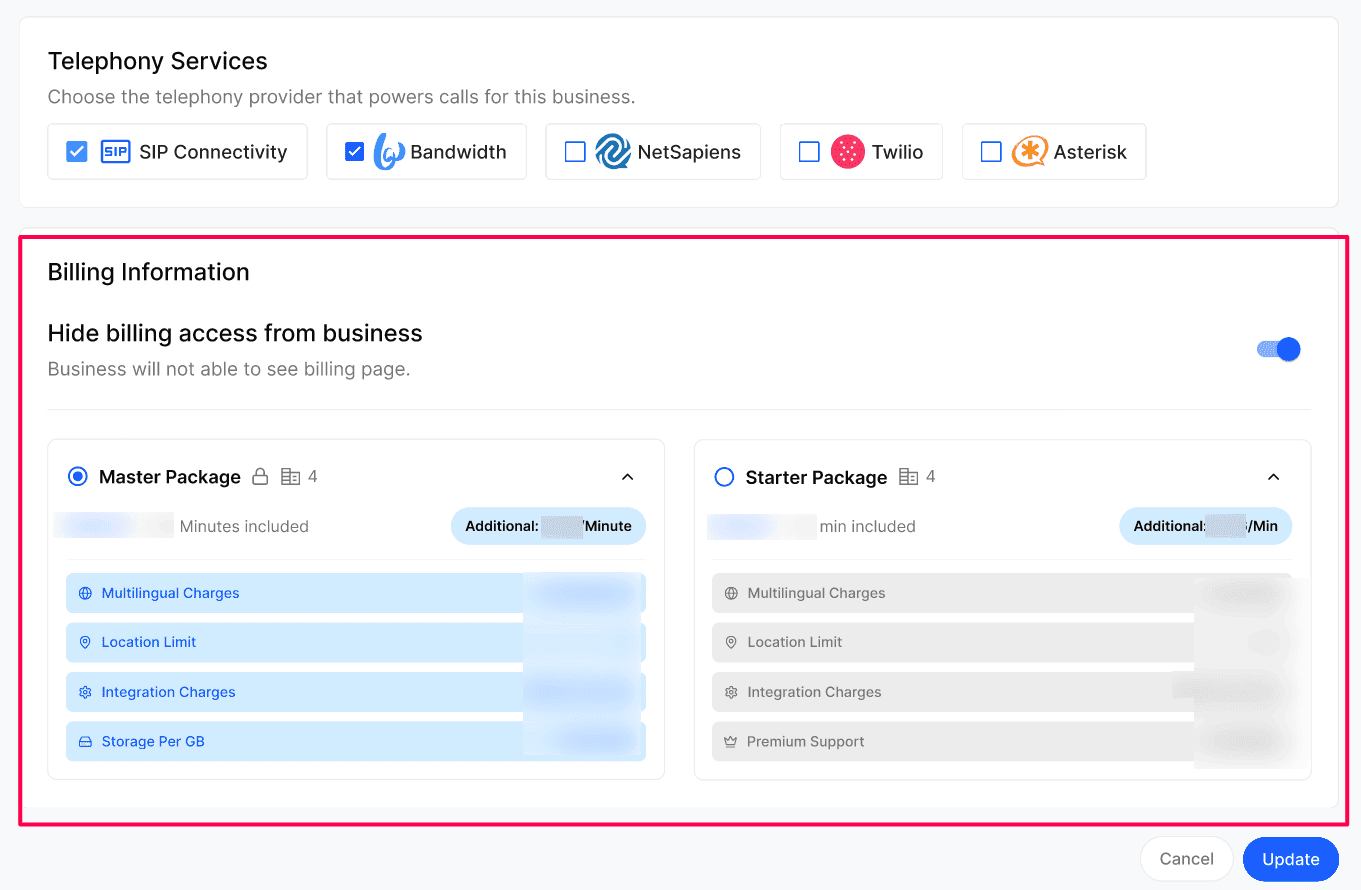
Select the package that fits the Business and select Update.
Reopen Billing Information and confirm the selected package.
Control Business billing access
Review Hide billing access from business.
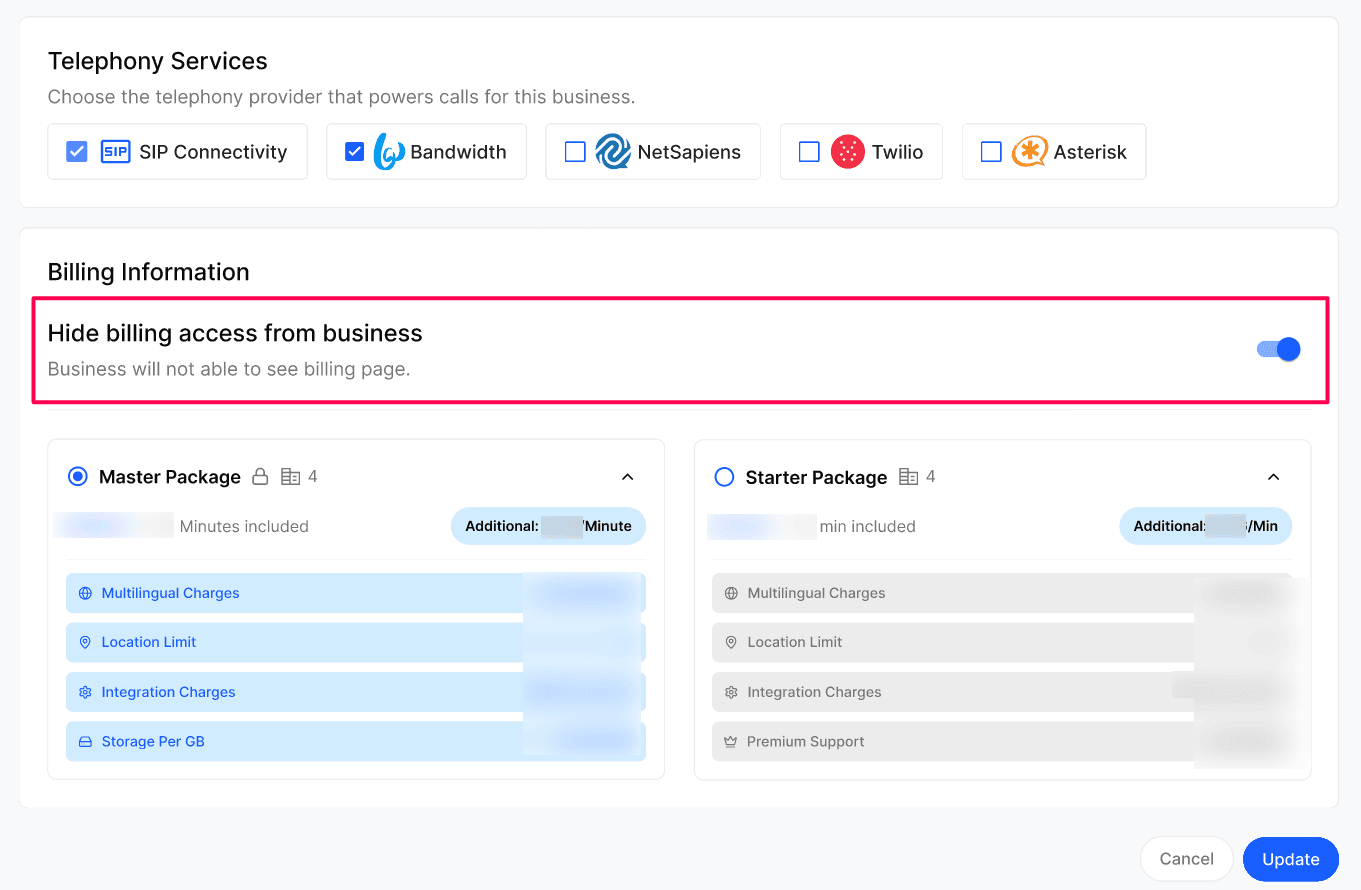
Set it On when the Agency manages billing without exposing the page, such as when calling services are an add-on to other Agency services.
Set it Off to show the billing page to the Business.
Verify billing-page visibility in the Business Portal.
Configuration reference
Expected result
The Business has the selected package. Its portal either shows or hides the billing page according to the visibility setting.
Troubleshooting
Recovery or rollback
If the wrong package was selected before bill generation, select the intended package, use Update and verify it again. Review charges with the Agency billing owner before attempting to correct an already-generated invoice.
Frequently Asked Questions
Can I change a business's package later?
Can I change a business's package later?
Yes. Bills are calculated at the end of each month, so you can change the package any time before the bill is generated. Open the business, pick a different package and click Update — the new package will be used for that month's bill.
What happens to extra usage beyond included minutes?
What happens to extra usage beyond included minutes?
Usage above the included minutes is charged at the per-minute rate shown on the package.
Will the business see the package price if I hide billing?
Will the business see the package price if I hide billing?
No. With Hide billing access from business turned on, the business cannot open the billing page or see package pricing.
Related articles
Was this helpful?
Still need help? Ask the team