How Do You Manage Your Kickcall Profile and Preferences?
Find the profile, account-detail, and notification settings available in your Kickcall account
Written By Maruf Ansari
Last updated 9 days ago
The My Profile & Preferences module in the Business Portal is your personal control center as a Business user. It's where you manage how you appear to your teammates inside your Business, choose which Business events alert you, and review the in-app notifications you've received.
Everything in this module is scoped to you as a Business user — changes here never affect your teammates or anyone else in your Business.
What's inside this module
Where to find it
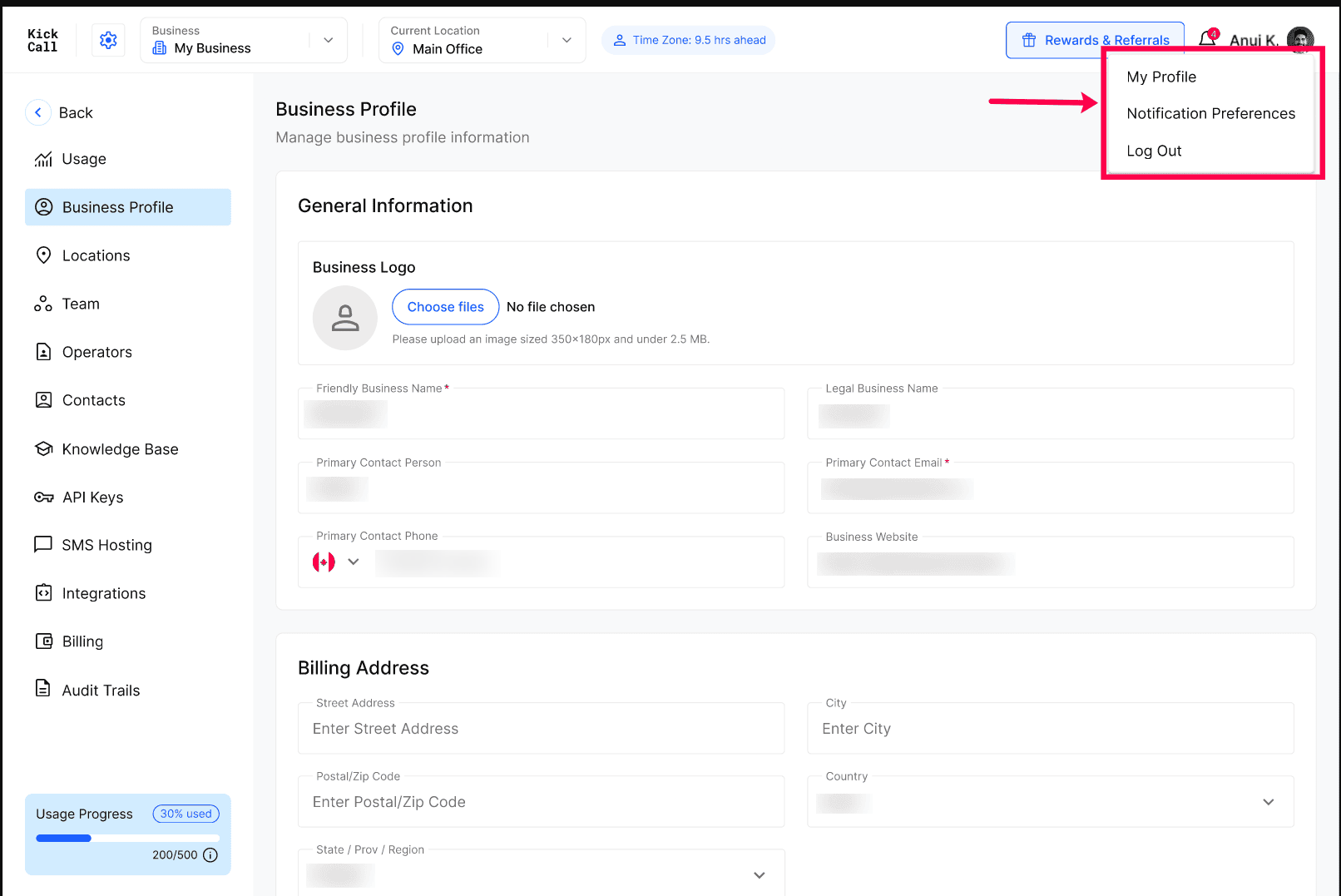
Everything in this module sits in the top-right corner of the Business Portal:
Select your profile picture to open My Profile or Notification Preferences.
Select the bell icon to open the Notifications panel.
Next step
Open My Profile and confirm your name and phone number are correct.
Was this helpful?
Still need help? Ask the team